Still Searching for Google Optimize? Here are the 8 Top Google Optimize Alternatives Testers Shifted To.


1st October 2023 was a brave new world.
Google Optimize was officially sunset.
The most widely-adopted free a/b testing tool disappeared. And displaced thousands of experimenters.
Fun fact: 3 years after the sunset announcement was made, Google Optimize’s redundant tracking snippet still remains on many sites giving stiff competition to the giants in terms of market share.
Google never added experimentation to GA4. Rumors are buzzing that some form of A/B testing may find home in the Adwords console. But this is community speculation.
One thing is clear though — CROs are so fond of Google Optimize, that they can’t stop searching for its alternatives. Here are the 8 tools that won the race post the sunset.
Top 8 Google Optimize Alternatives:
| Tool | Price |
||||||||||
|---|---|---|---|---|---|---|---|---|---|---|---|
| Convert Experiences | $299 per month (**billed annually) $399 per month (**billed monthly) |
||||||||||
| Zoho Pagesense | Starting $39 per month | ||||||||||
| Omniconvert | $245 per month (**billed annually) | ||||||||||
| VWO | $574 per month (**billed annually) | ||||||||||
| Kameleeon | $495 per month (**billed monthly) | ||||||||||
| SiteSpect | Contact Sales | ||||||||||
| Adobe Target | Contact Sales | ||||||||||
| Dynamic Yield | Contact Sales |
1. Convert Experiences
Please note that no A/B testing vendor has been assigned “preferred” status by Google. If you’ve seen this on social media, it is inaccurate. Google is collaborating on the GA4 API with Google Cloud users. In fact, some of the specs have already been made public, and as a Google trusted A/B testing vendor, Convert has also launched its official GA4 integration, based on the API developed.
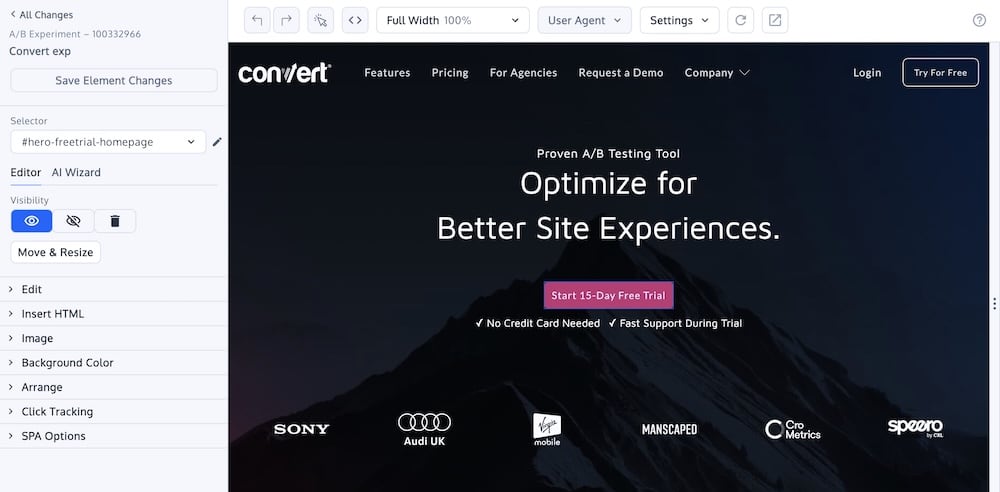
Convert Experiences went from being the favorite niche tool of experimenters serious about A/B testing to a dominant market player with impeccable reputation.
Who Is It Best For?
Lean growth & marketing teams; Shopify stores doing more than 15 million USD in annual revenue, and CRO agencies that care about improving profit and customer-focused learning.
Why Is Convert a Great Google Optimize Alternative?
- Native GA4 integration
- All the test types possible — A/B testing, split URL testing, multivariate testing, multi-page testing, multi-arm bandits, sequential testing, feature flagging & rollouts.
- The ability to run as many tests as you need — from the same interface.
- Advanced goals & targeting; dynamic triggers
- Full-stack environment
- Convert Signal (session recording) for auto-detection of conversion roadblocks
- 1:1 personalization
- API & MCP server access (Convert is AI-integration ready)
- 4x faster support
- A community that promotes learning, resilience & curiosity — the qualities needed to embed experimentation in the DNA of a business, irrespective of its size.
At $299 per month (billed annually) for a generous 100k MTUs, Convert’s robust features help testers appreciate the difference an ecosystem makes and realize the benefits of a thoughtful paid offering.
Does it have a free trial: Yes
Does it integrate with your entire stack: 90+ integrations
Is it privacy compliant & secure: GDPR-ready, ISO 27001 & SOC-2 compliant
Cons:
- Often documentation is hard to navigate
- Streamlined stack only covers 80% of enterprise features
2. Zoho PageSense
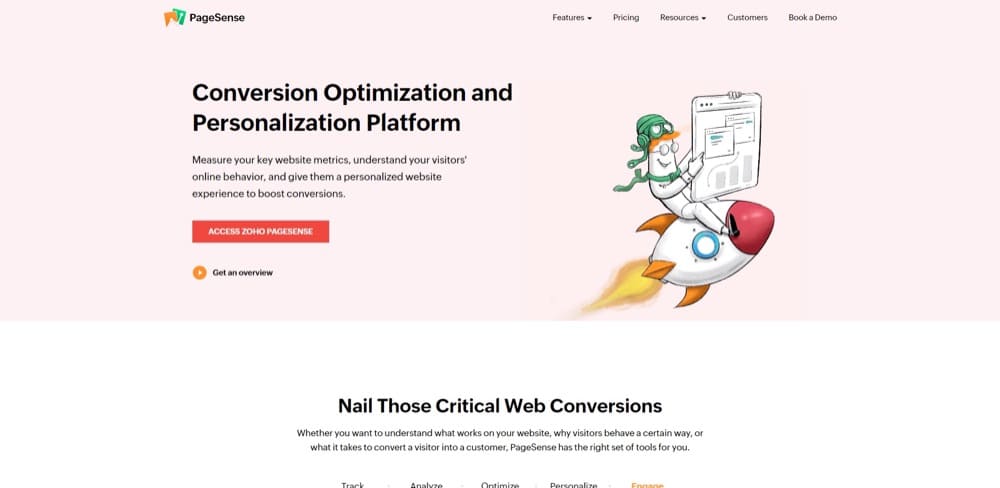
PageSense is the conversion optimization and personalization platform of Zoho. It helps you track and analyze visitor data, optimize and personalize their experience, and experiment with ways to improve the conversion at each stage of your funnel.
G2 rating: 4.1 out of 5 stars based on 20 reviews (none on TrustRadius).
Pricing: Starting $39 per month.
Got free plan? Yes, there’s a 15-day free trial.
Got customer support? Yes, but reviews don’t speak nicely about it. Long response time is the common theme.
Integration to Google Analytics: Yes.
Test limitations:
- Maximum of 10 projects and 50 goals
- No advanced code editor
Client-side or server-side? Only client-side.
Pros:
- One of the cheapest A/B testing tools available
- Integrates with Mixpanel, Google Ads, Intercom, and more
- Easy-to-use funnel optimization and testing features
Cons:
- The support team might not be top-notch according to reviews
- Can be difficult to set up your first test
Consciousness Quotient (CQ): They use state-of-the-art green data centers all over the world. They also have a free school that teaches skills for software careers. To top it off, they pay their students and employ them automatically.
What people say about using Zoho PageSense:
3. Explore by Omniconvert
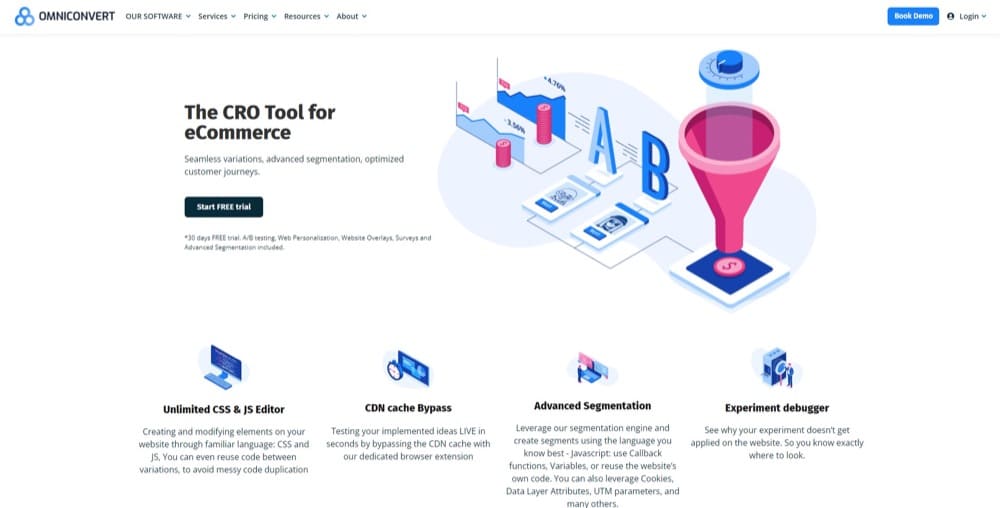
Explore by Omniconvert is one of 4 in a suite of tools for eCommerce growth. The other 3 complements the A/B testing function of Explore. Explore on its own can help with optimizing your customer journeys and you don’t have to be in the eCommerce industry to use it either.
TrustRadius score: 10/10 from 2 reviews (on G2, that’s 4.5 out of 5 stars based on 72 reviews).
Pricing: $245 per month (**billed annually).
Got free plan? Yes.
Got customer support? Yes, live chat, a 30 minute 1-on-1 onboarding, along with a resource hub.
Integration to Google Analytics: Yes.
Test limitations:
- Cannot run two separate tests on one page at the same time
- Better suited for eCommerce use cases
Client-side or server-side? Only client-side testing.
Pros:
- Great customer support
- It’s easy to set up your first test with the onboarding guide
- Comes with multiple segmentation, targeting, and personalization features
Cons:
- Requires solid HTML/CSS knowledge
- It costs a substantial amount once you get to use it
Consciousness Quotient (CQ): I couldn’t find any info to help assess their CQ.
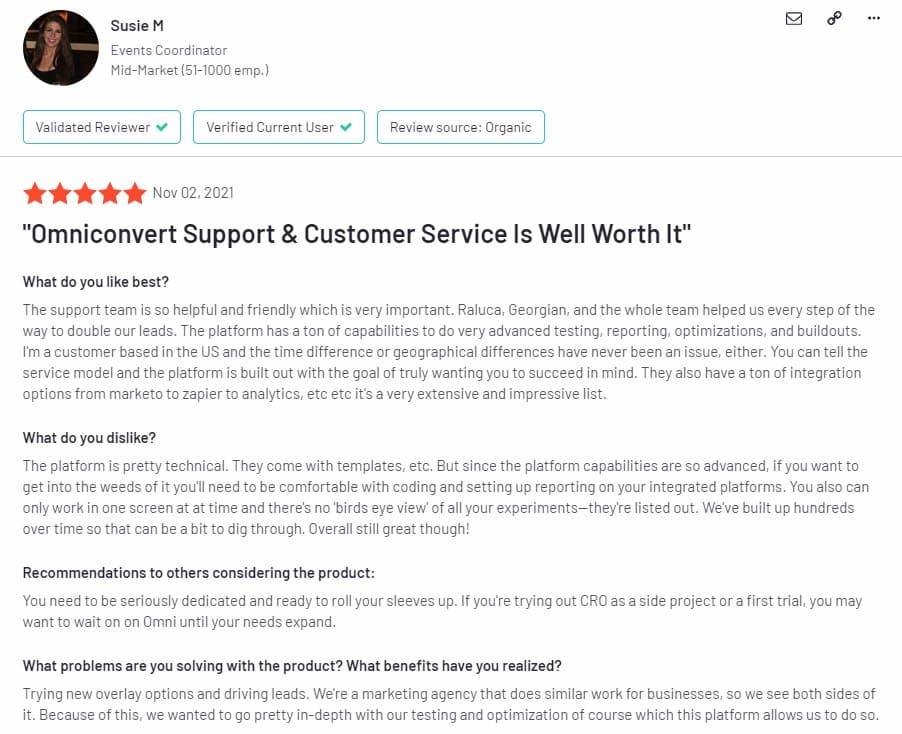
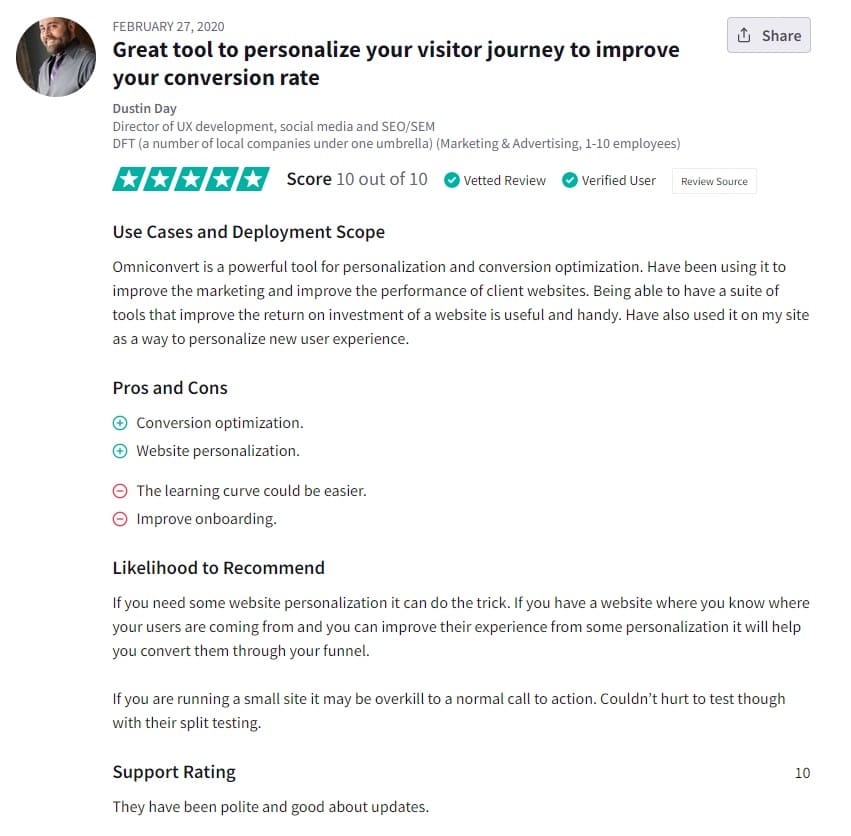
What people say about using Explore by Omniconvert:
4. VWO Testing
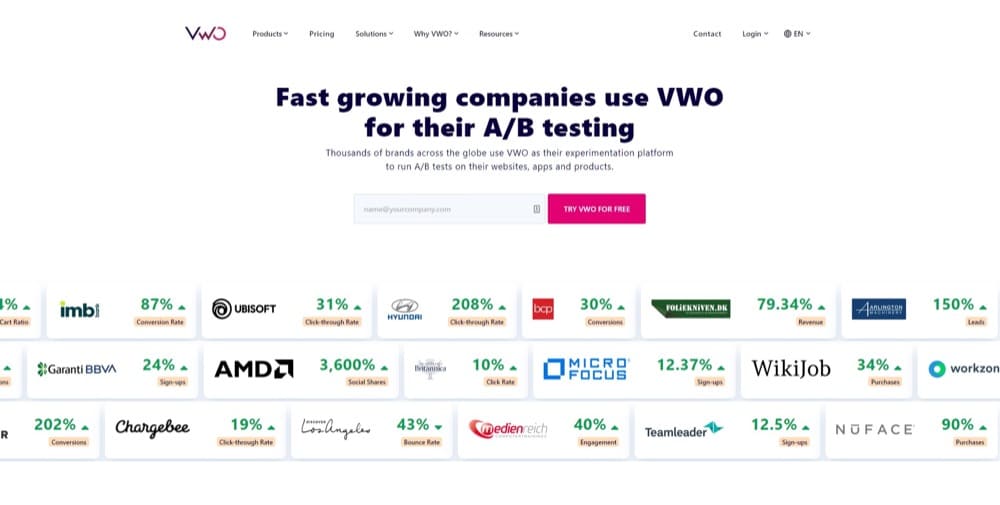
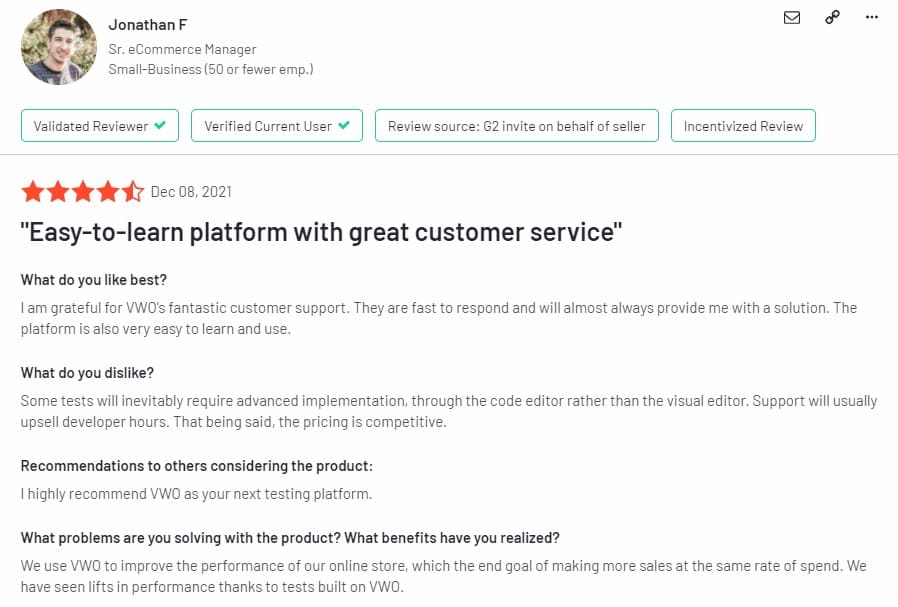
VWO stands for Visual Website Optimizer. They are majorly an A/B testing tool but also offer other marketing features that help with behavior analysis, experimentation, and re-engagements.
Coming from Google Optimize, this tool would be fairly easy to use for scaling your optimization program.
TrustRadius score: 6.6 out of 10 based on 99 reviews (but that’s 4.2/5 on G2 based on 281 reviews)
Pricing: $574 per month (**billed annually).
Got free plan? Yes, FREE for up to 50,000 unique visitors.
Got customer support? Yes, via email, phone call, and resource page.
Integration to Google Analytics: Yes.
Test limitations:
- Advanced targeting, multipage tests and post segmentation not included in the starter plan
- MVTs not included in the basic plan
Client-side or server-side? Client-side only.
Pros:
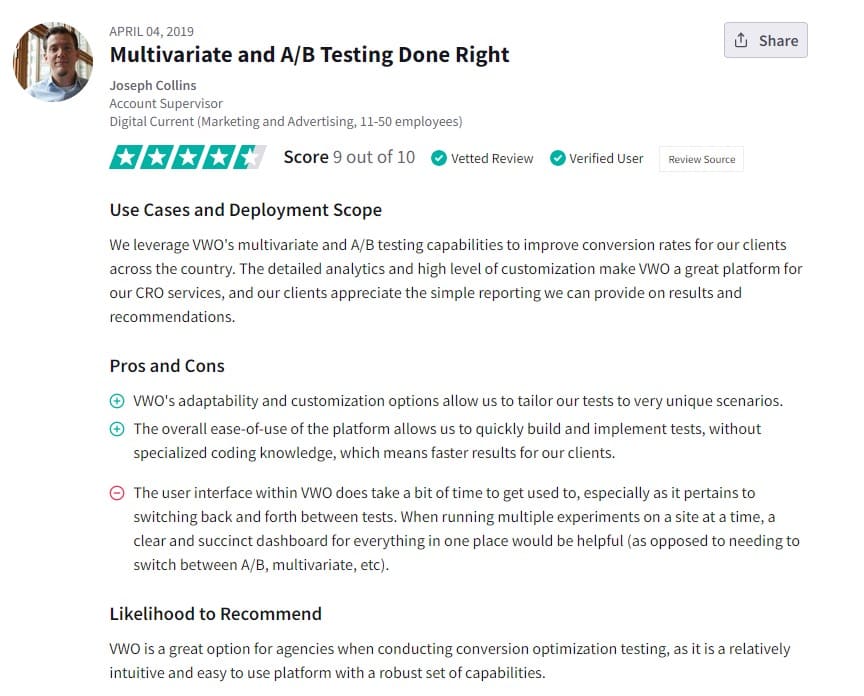
- There are customization options to adapt your test to different scenarios
- Easy to plan and execute tests with dev help
- Can track long-term goals
- Test grouping available
Cons:
- There’s quite a learning curve to grasp the full range of VWO
Consciousness Quotient (CQ): Not much information is available for this. But they’ve shown generosity during COVID.
What people say about using VWO Testing:
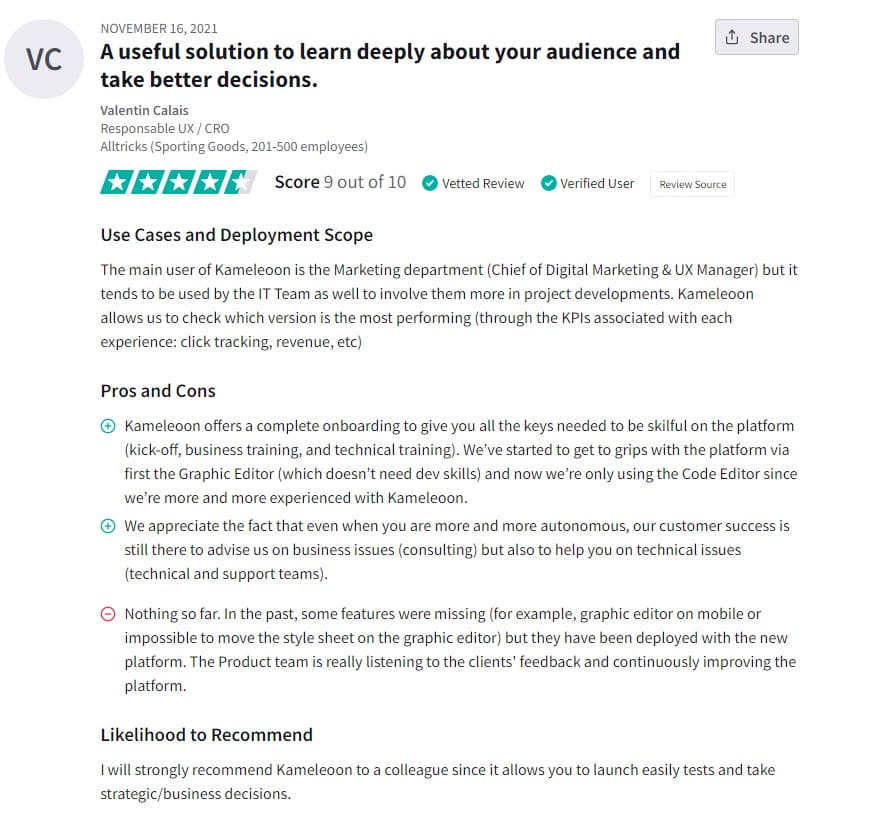
5. Kameleoon
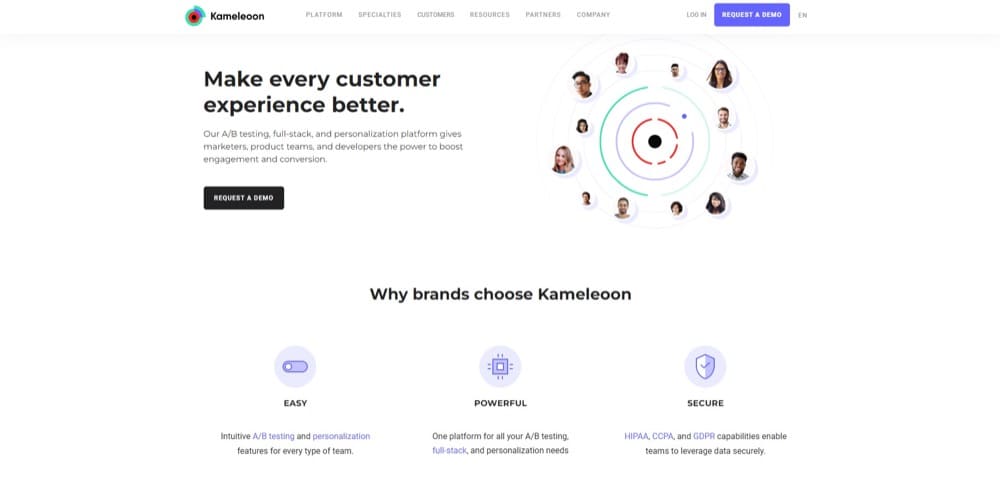
Kameleoon is an enterprise-level experimentation platform. It’s a step up in functionality, UI, personalization settings, and integrations.
They’re big on data protection and privacy, that’s why Healthcare and Fintech companies prefer it for optimizing engagement and conversions.
TrustRadius score: 9 over 10 from 48 reviews (G2 rating is 4.7 out of 5 stars from 27 reviews).
Pricing: $495 per month (**billed monthly).
Got free plan? No.
Got customer support? Yes. An account manager is available as well.
Integration to Google Analytics: Yes.
Test limitations:
- Only email alerts are available
- Cannot create archive folder
- Older browsers are excluded from the tests, e.g. IE7
Client-side or server-side? Both. It has a WYSIWYG editor and a code editor.
Pros:
- No-code visual (WYSIWYG) editor
- Integrates smoothly with other tools
- Has advanced anti-flicker technology
- Accurate planning and test execution
Cons:
- The visual editor loads slowly
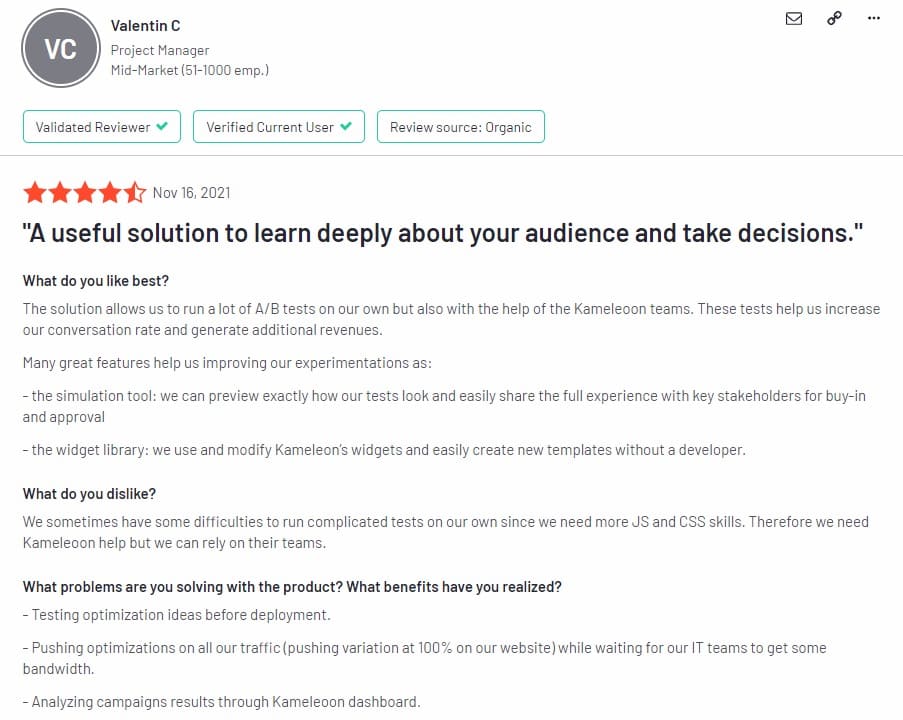
- Need developers to help with implementing complex scenarios
- Reporting dashboard needs more personalization
Consciousness Quotient (CQ): I didn’t find any information to prove Kameleoon’s CQ.
What people say about using Kameleoon:
6. SiteSpect
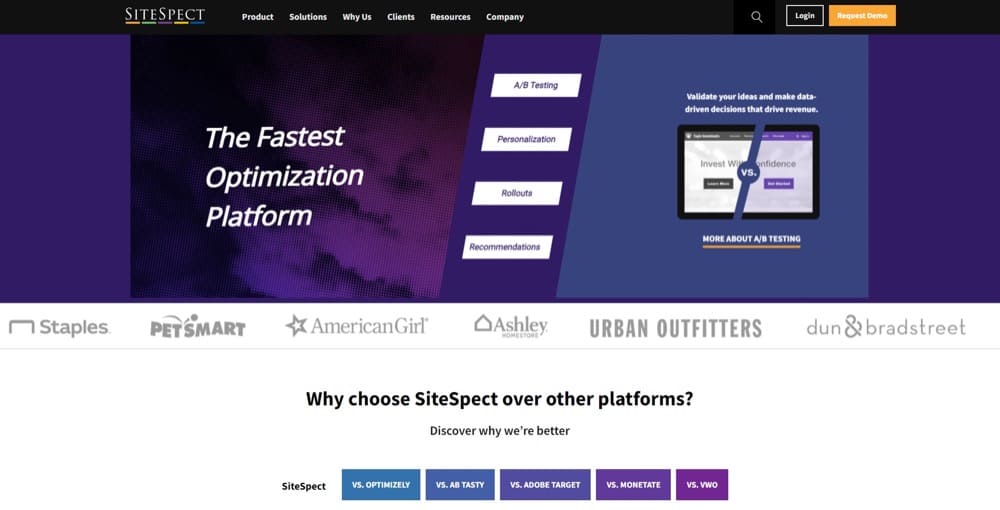
SiteSpect is known for its speed, although it’s only slightly faster than Convert Experiences and significantly faster than VWO (about 1.3secs) and other tools on this list. It’s a tool of choice for enterprises with high traffic sites — not ideal for beginners in A/B testing.
TrustRadius score: 8.0 out of 10 from 10 reviews (the TrustRadius reviews are old but the star rating is similar on G2 with 4.4 out of 5 from 53 reviews).
Pricing: You’ll have to contact sales for custom pricing.
Got free plan? Yes.
Got customer support? Whether free or paid, you get customer support via email and phone. You can also dive into the knowledge base for more help content.
Integration to Google Analytics: Yes, it’s available.
Test limitations: N/A.
Client-side or server-side? Both.
Pros:
- Great for security-conscious teams
- Support all markup languages, style sheets, and scripting languages
- No flicker
- You don’t need to modify the production version of your code
Cons:
- There’s a learning curve to get started
- You may need the help of a developer to set up your tests
Consciousness Quotient (CQ): They sponsor charity projects.
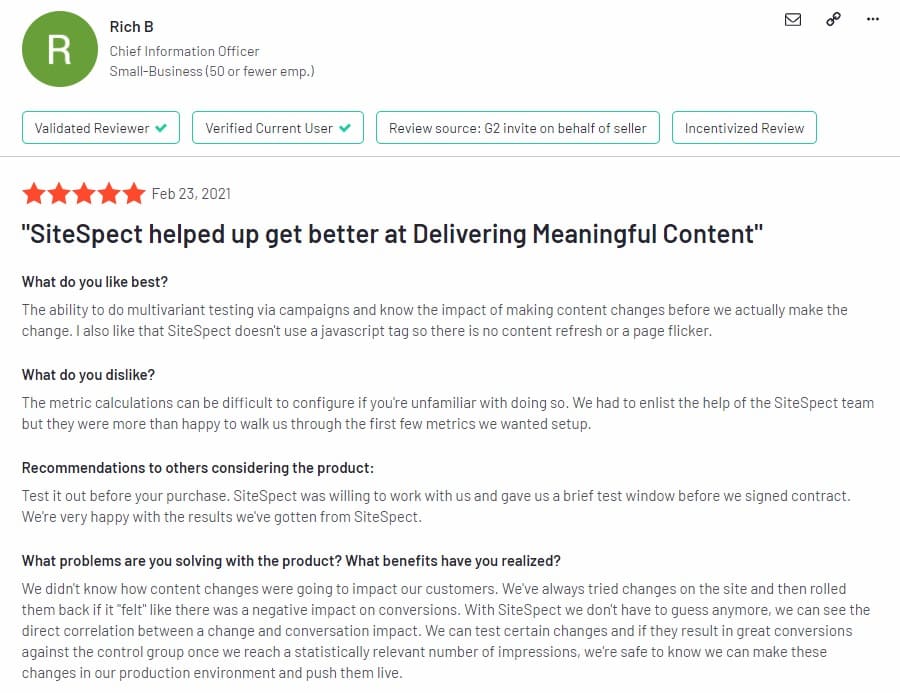
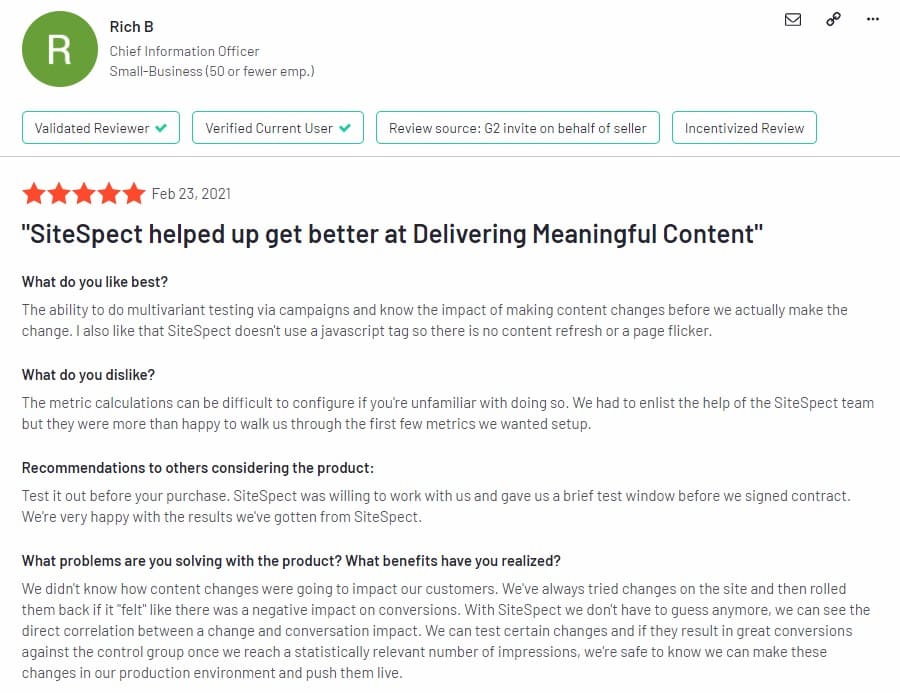
What people say about using SiteSpect:
7. Adobe Target
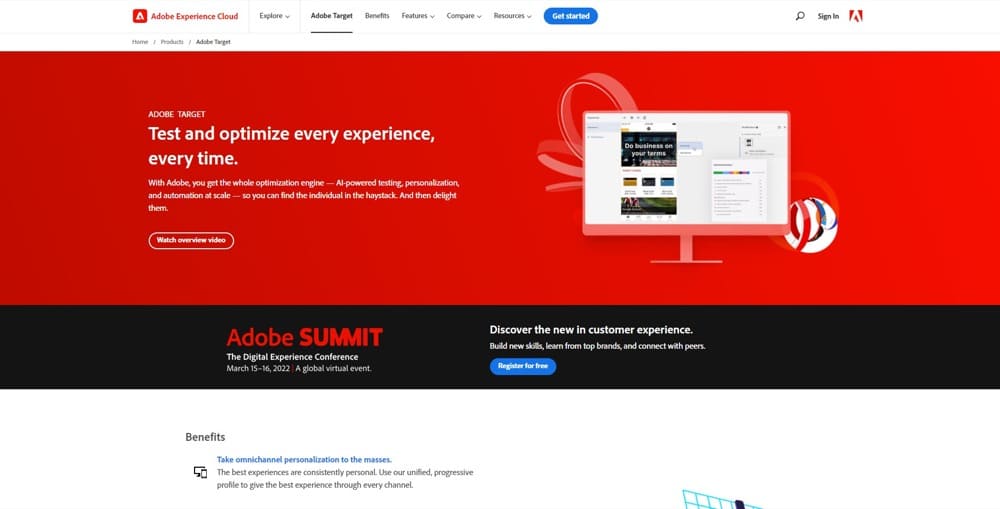
Adobe Target is another enterprise-level testing tool that works hand-in-hand with Adobe’s analytics tool. One does the personalization and the other does the segment targeting to deliver personalized digital experiences to visitors.
TrustRadius score: 7.3 out of 10 based on 35 reviews (G2 rates it 3.8 stars from 29 reviews).
Pricing: Custom pricing is only available after filling out a form and talking to the sales team.
Got free plan? No.
Got customer support? Yes, with video tutorials and a knowledge base.
Integration to Google Analytics: Yes, but you’ll need dev help.
Test limitations:
- It is only available to customers of Adobe’s analytics tool, part of the Adobe Marketing Cloud
- You’ll need a developer to integrate with Google Analytics
Client-side or server-side? Both.
Pros:
- Easy to use UI
- Automated personalization, easy to use even for beginners
- Has experience targeting with the help of AI
- Can execute multiple tests at the same time
- Easy to get a hang of it with a setup and testing walkthrough
Cons:
- You can’t test it for free
- It’s quite pricey
- It’s best for Adobe Analytics, not Google Analytics
- Need high traffic volume to get the optimum performance
Consciousness Quotient (CQ): They champion product innovations that protect the environment, work in sustainable buildings, promote diversity in the workplace, run community action programs, and more.
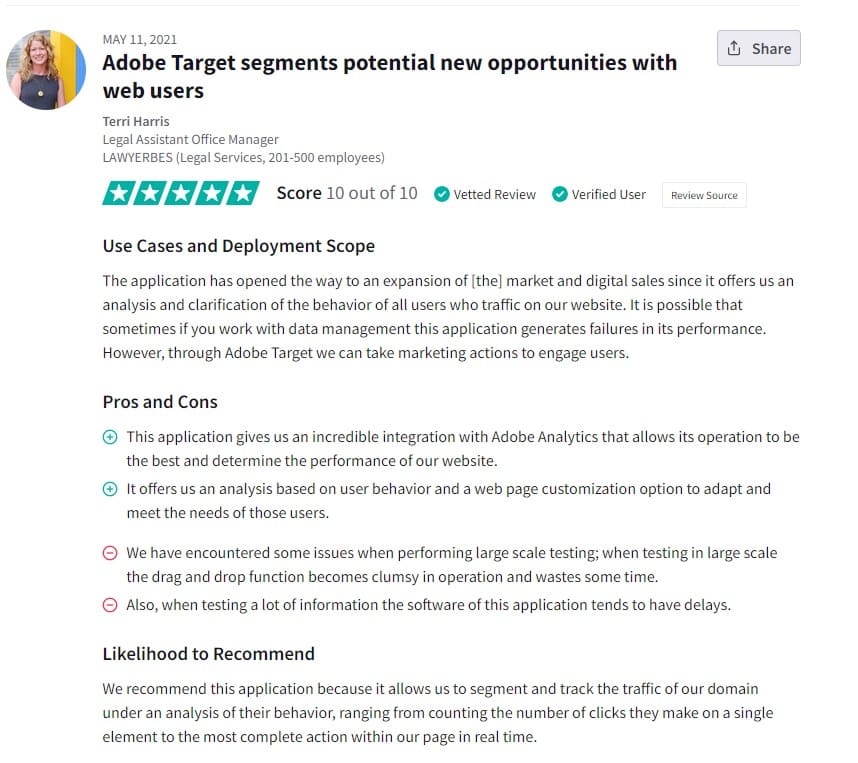
What people say about using Adobe Target:
8. Dynamic Yield
Dynamic Yield is an experimentation platform for high-volume sites for A/B testing, omnichannel personalization, predictive test improvement via machine learning, and other features. It’s another tool of choice for enterprise experimentation programs.
TrustRadius score: 8.9/10 based on 79 reviews (while G2 rating is 4.3 out of 5 stars from 82 reviews).
Pricing: You talk to the sales team to get your custom pricing.
Got free plan? You’ll have to start with a product demo.
Got customer support? Yes, you can talk to support via phone call and email. There’s also a knowledge base to help with installation.
Integration to Google Analytics: Yes, that’s one of its supported integrations.
Test limitations: Best suited for enterprise-level ecommerce.
Client-side or server-side? Both
Pros:
- Has full stack integration
- Supports omnichannel testing and tracking
- Great support team and learning center
- Advanced personalization that can run predictive targeting of messages
Cons:
- Doesn’t have a seamless sync with analytics
- You may need the help of a developer to get set up
Consciousness Quotient (CQ): Dynamic Yield gives free access to charities, non-profits, and minority-owned small- and medium-sized organizations. They also do work in their community.
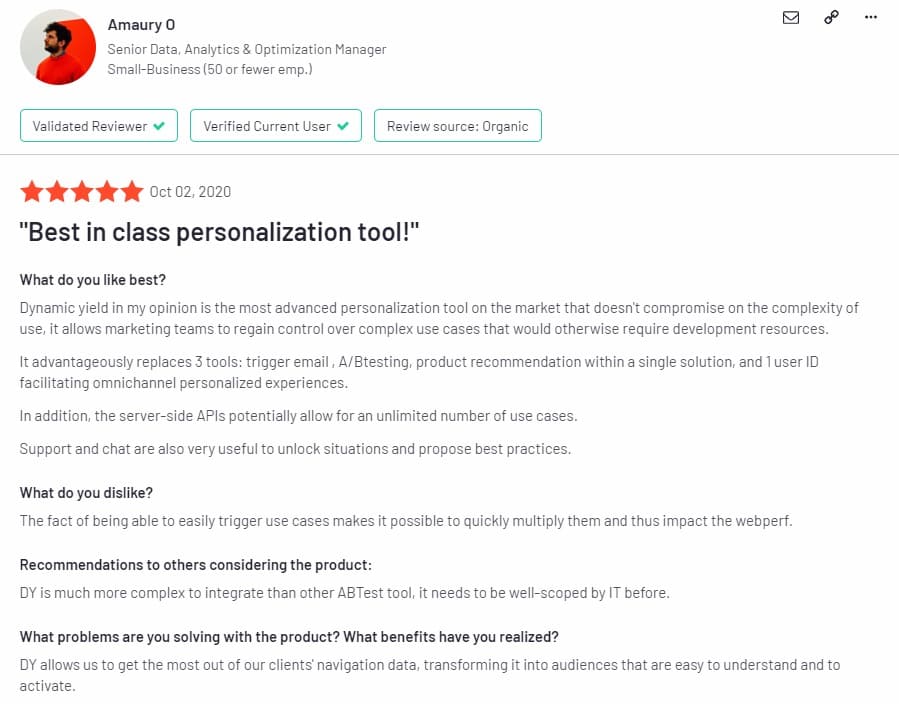
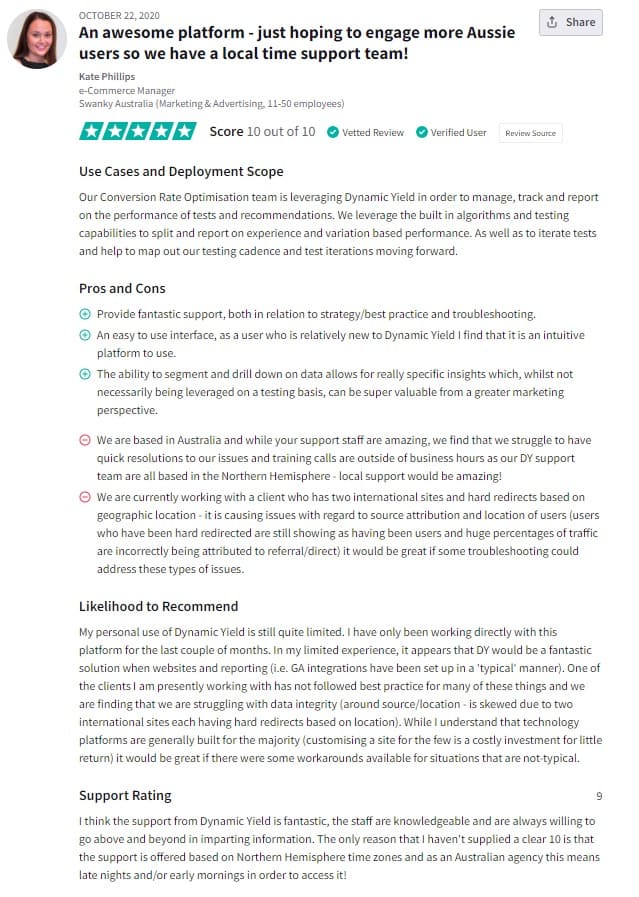
What people say about using Dynamic Yield:
What Was Google Optimize?
Optimize is Google’s free web optimization tool that was sunset in September 2023. On January 20th, Google announced not only 12,000 layoffs but also its sunset.
GO was a favorite of beginner testers due to its easy-to-use interface and many basic features. But it was also notorious for its roadblocks when it comes to conducting more extensive tests:
- Only 5 tests at a time
- Only 3 goals at a time
- Only test websites, not apps
- Only test for 35 days maximum
An amazing tool, no doubt, especially when you want to get your feet wet in A/B testing without committing some funds.
Why Did Agencies & Businesses Invest in Google Optimize?
Even with those limitations, GO used to be the tool of choice for some agencies and businesses. And rightfully so. There are use cases where GO seemed like an ideal choice:
Learning A/B testing: If you were just starting out A/B testing and wanted to get a sense of how it works, it made sense to use a tool that did not cost money.
Proving a design idea or other proposed idea: Instead of arguing back and forth about whether a design idea will work with your audience, you could just test.
Also, it worked if you had a small business without the marketing budget to pay for a tool. This way, you could decide if a certain change helped or hurt your bottom line before implementing the change.
Experimentation program not mature enough: If you were only running 1 experiment a month, it wouldn’t make sense to pay for a tool and you might just refocus on other marketing efforts to something else than A/B testing. If your experimentation program grew to where you had to run several tests a week, then you looked for alternatives.
Digging for insights for executive buy-in: If you were trying to convince C-suite and other stakeholders that experimentation should become part of your company culture, you needed to demonstrate that without a budget.
That’s where a free A/B testing tool like Google Optimize came in handy. Today, Convert’s Growth $299 plan might be able to help with that.
Best Google Optimize Features:
A/B, A/B/n, Multivariate and Split URL Testing:
These are the essentials of most experimentation programs. The only limitations come when you want to run a number of these tests at the same time.
Visual (WYSIWYG) Editor:
You don’t have to hardcode your way to any test, you could just use the visual editor to make simple changes. Whether you’re editing your headline or changing the position of a page element, you could do without writing a line of code.
In-Built Code Editor:
What if you don’t mind writing the code? GO came with HTML/CSS/JS code editor for your added layer of flexibility. It’s maxed at 10,240 characters.
Simple Beginner-Friendly UI:
Lots of features come with lots of options. Google Optimize was lightweight with only the essential features you need to run A/B, A/B/n, MVT, and split tests. So, for a beginner, it was a focused environment that didn’t make your learning curve steeper.
Activity Log and Experiment Scheduling:
Track changes for team collaboration or just to know what you did in the past. Also, you could manage start and end dates for your experiments ahead of time.
Integration with Google Analytics:
Of course, it made perfect sense that Google Analytics and Optimize had the smoothest sync.
Main Issues with Google Optimize:
1. Feature limitations
Google Optimize was a throttled version of Google Optimize 360. The free version only took you so far in a small experimentation program. You hit a wall when you wanted more than:
- 5 tests at a time
- 3 goals at a time
- 90 days runtime
- 16 variables in multivariate tests
- 10,240 characters in the code editor
And if you wanted to test complex features, add goals while your test is running, and customize a Google Analytics audience, you kept running into more blockades.
We have migrated, all the customers we initially planned to migrate (two of them). Thanks to the no-limits on Convert compared to Google Optimize. If it was not for Convert we would not have been able to retain those customers.
![Jonny Longden]() Jonny LongdenEx-Journey Further
Jonny LongdenEx-Journey Further

2. The sampling issue
When you have a lot of web traffic (i.e. millions of visitors), running tests and extracting results for those tests will demand significant resources on the part of your tool.
A free tool runs on computing, network, and storage resources and for such a test, you’ll be drawing a lot of those resources. They can save on those resources with sampling – reports will load faster and they’ll spend less on infrastructure.
Google denied sampling occurred on the free and paid versions of Optimize and Analytics but optimizers still encountered the problem.
At Speero, most of the sites we work with have a rather large number of visitors, generating millions of hits every month. Naturally, most of those sites have Google Analytics and not all of them have the premium GA360 version. This means that sampling is a problem we deal with on daily basis, especially when analyzing the results of A/B tests using custom segments. Be it Optimize or some other tool, sampling is still a problem when it comes to analyzing this data in Google Analytics. That being said, the numbers you see within Google Optimize’s reports are not sampled but those don’t allow for any advanced analysis. While data in Google Optimize reports isn’t sampled and it doesn’t say it clearly in its ToC, I believe that this data is still being affected by the data collection limits mentioned in Google Analytics ToC. This belief is supported by the fact that Optimize is based on the same dataset as is Google Analytics and we’ve seen some rather weird numbers in Optimize for sites that receive massive amounts of hits (100 million and more a month).
![Silver Ringvee]() Silver RingveeCTO, Speero
Silver RingveeCTO, Speero

3. Lack of customer support
Being a free tool, there was no reason for Google to pay a dedicated support team to help users with problems when using Optimize. Although they offered an extensive knowledge base and a community to answer questions you couldn’t find answers to, this meant solutions arrived too late. Before the shutdown was announced, hundreds of questions remained unanswered.
Other A/B testing tools, like Convert Experiences, offer 24/7 support via active forums, live chat, email, and phone calls on most plans. You get to talk to a real human being without jumping through several hoops or fighting AI-generated fluff.
4. Tested visitor count inflation
When someone visits your site in the morning and logs back in 5 hours later, Google Optimize recorded that as two unique visits. That’s because sessions lasted only 30 minutes.
Why so short? To minimize the use of resources for a free tool.
This inflated the number of unique visitors and ruined your conversion rate.
5. Problem with flicker
Flicker is when a visitor gets a glimpse of the original page before the variant loads on their browser. This is a common problem, but most testing tool vendors have figured it out and now offer flicker-free testing.
But Google Optimize’s solution was quite different. Instead of being an in-built feature, it required you to install an anti-flicker snippet that affected your page loading time significantly.
6. Real-Time: Reality or Illusion?
There is no doubt here. Google’s documentation states this, loud and clear. There can be up to a 12-hour delay between the time an event (conversion) occurs in the Google Optimize served experiment, and when it shows up in the reports.
This is because the data is first pushed to Analytics for processing, and then sent to the Google Optimize reports.
Can you really wait for half a day to get insights (when needed)? Or to potentially spot a problem in the experiment setup? Isn’t A/B testing supposed to make you agile?
Next Steps
Google Optimize was a great tool while it lasted, but don’t wait until the last minute to switch. With the tool no longer being updated, it’s important to find a replacement as soon as possible. There are many A/B testing alternatives that have the features you need in the list above.
Take note of the features that matter most to you and are missing from Google Optimize. Shortlist the tools that meet that need and then weigh them against your criteria. I’m willing to bet your next A/B testing tool is on this list. Bookmark it.
We don’t discriminate against free a/b testing & CRO tools. When you don’t have the budget, it is much better to get lean and scrappy, than to base decisions off of gut instinct.
However, free tools come with a plethora of structural issues that the problems with Google Optimize during its run described to the T. Right down to its eventual fate — being sunset.
VWO recently sunset its free Starter plan as well.
Who is next?
The truth is vendors use “freemium” as their go-to-market. Not as a gift to practitioners. The best alternatives to Google Optimize operate in the spirit of democratizing experimentation – fair, transparent pricing, fast & accurate support, all the features you need to run trustworthy tests, and good people you’d like to rely on for the success of your program.
Ask around – we can bet there’s going to be one answer.
Written By
Uwemedimo Usa
Edited By
Carmen Apostu