8 Best Split Testing Tools to Grow Your Optimization Program


If you want your website to perform better, you need to understand your audience.
What they want, when they want it, and how to provide it in the best way possible.
That’s where testing comes in.
Whether you’re looking for your first split-testing tool to use or already running tests and looking to switch to a tool that’s a better fit for your company, we’ve got you covered.
In this article, we’re going to cover the 8 best split testing tools out there, as recommended by CRO experts.
We break them down into multiple criteria so you can make the best decision for your company.
So let’s dive in…
| Tool | Starting Price (100,000 tested users) | Free Trial? |
|||||||||||||||
|---|---|---|---|---|---|---|---|---|---|---|---|---|---|---|---|---|---|
| Convert Experiences | $299 per month (**billed annually) $399 per month (**billed monthly) |
15-day free trial | |||||||||||||||
| VWO | $574 per month (**billed annually) | 30-day free trial | |||||||||||||||
| Kameleeon | $495 per month (**billed monthly) | Freemium (5k MTUs) | |||||||||||||||
| Optimizely | Contact Sales | Free access to feature flagging | |||||||||||||||
| Adobe Target | Contact Sales | Only demo available on request | |||||||||||||||
| Sitespect | Contact Sales | Only demo available on request | |||||||||||||||
| Eppo | Contact Sales | Only demo available on request | |||||||||||||||
| Webtrends Optimize | Contact Sales | 30-day free trial |
#1: Convert Experiences
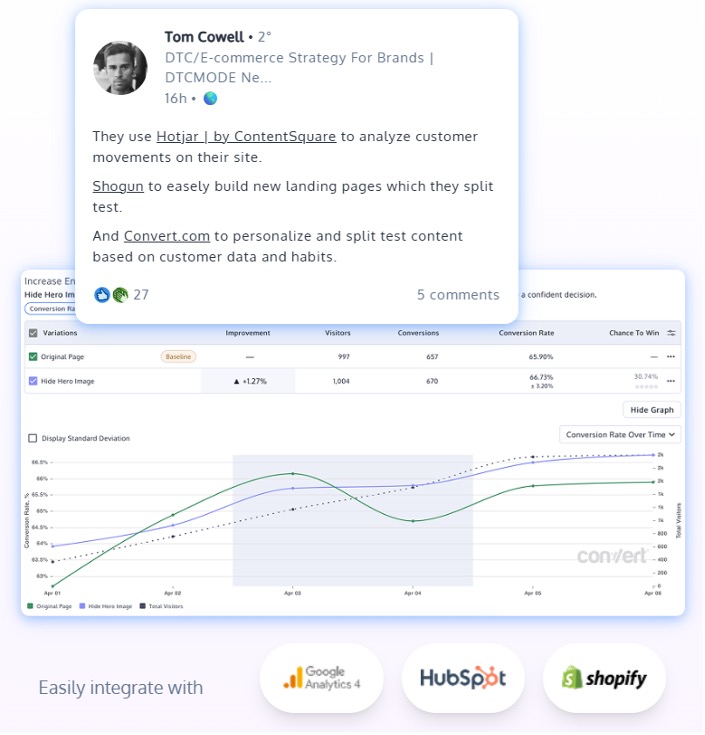
Convert Experiences is unique because it brings the advanced features suite of an enterprise tool to testers at affordable pricing, and at the same time is praised for its intuitive UX and ‘stunning’ support team of responsive problem-solvers.
It is also one of the only tools that cares about the entire ecosystem needed to embed testing in your business DNA. It ties test wins to climate positivity, works where you work (90+ integrations), and connects experimenters to experts from diverse fields for learning and resilience.
Best for: Lean marketing & growth teams, CRO agencies, Technical users, Shopify stores doing more than 15 million USD in annual revenue.
Pros
- Full-stack capabilities for online & offline experimentation
- Split testing, A/B testing, multi-page testing, multivariate testing, multi-arm bandits, sequential testing, feature flagging & rollouts
- SRM detection
- Ability to handle regular expressions (Regex)
- SPA mode for enhanced compatibility with single-page applications
- Custom pop-ups
- Flexible JavaScript insertion at project, experiment & variation levels
- Condition stacking with 40+ filters to target granular audience segments
- API & MCP server access
- Convert Signal session recording to auto-detect conversion challenges
- Convert Nexus, a personalization tool for both beginners and experts
- 90+ integrations
- Fully privacy-compliant; only 1st party cookies
- 4x faster support
Cons
- Often documentation is hard to navigate
- Streamlined stack only covers 80% of enterprise features
PS: Many A/B testing apps do come with heat maps & surveys, but you have to pay extra for them by purchasing modules or add-ons. All Convert features are yours — for the transparently listed price. No hidden charges or overheads.
Client-side, server-side or both? Convert supports full-stack experimentation.
Do they offer customer support? Yes, right from the start of the trial. What type? Live chat, blog, and knowledge base with more to come.
Do they care about privacy? We are fully GDPR-compliant. We even stopped using tools for our internal work from other companies that don’t meet GDPR, that’s how much it means to us. Convert is also SOC-2 compliant.
Do they care about the world? Yes. It’s in our DNA. We donate 10% of our topline revenue to TIST, Stripe Climate & 1% for the Planet.
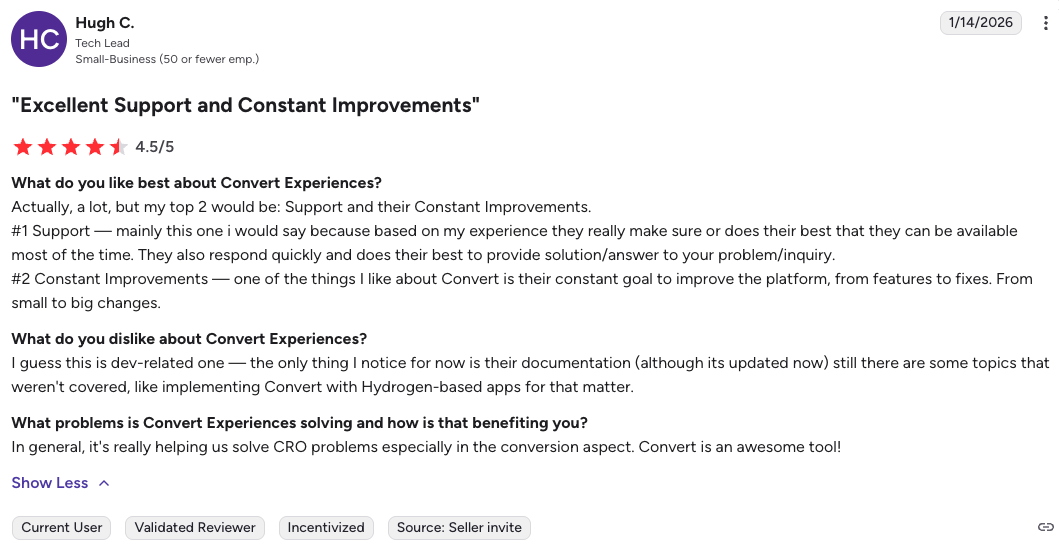
G2 Review:
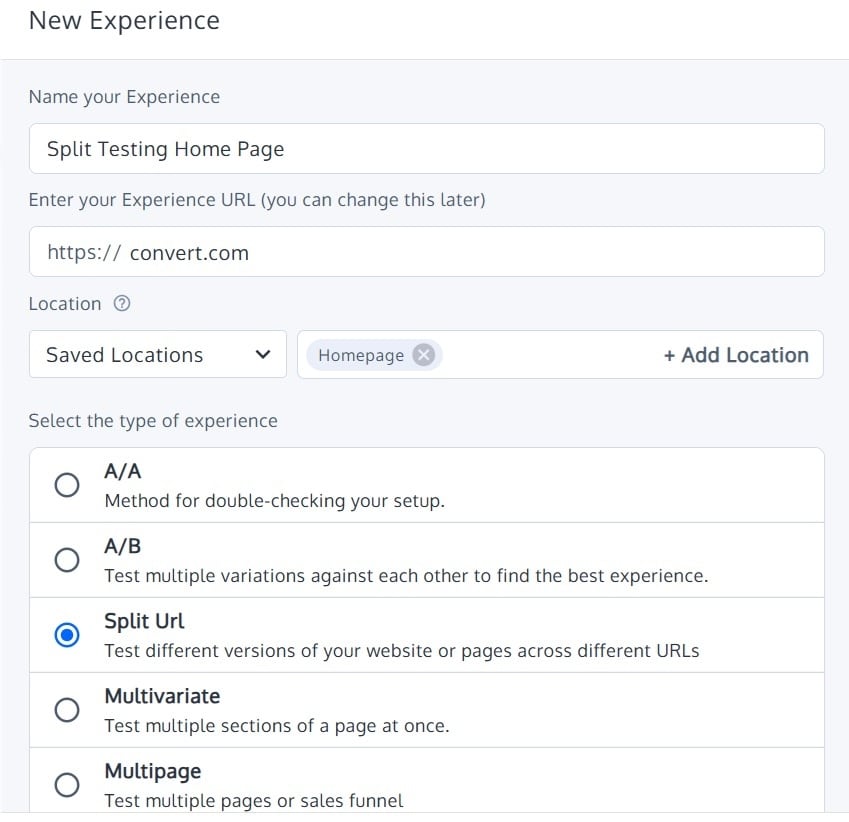
See what Convert Experiences looks like in action
Experience privacy-compliant, flicker-free, limitless testing. Try Convert Experiences for free for 15 days.
#2: VWO
Pros:
- Flexible customization options to adapt your test to a lot of scenarios
- Easy to plan and execute tests with little coding knowledge
- Dedicated support team to guide you through any challenges
- Has the ability to track long-term goals
- Ability to group tests together
- Useful recordings for observing users and troubleshooting
Cons:
- There’s a learning curve to understand the full functionality of VWO
- Pricing plans change frequently
- They only test client side
Client Side, Server Side or Both? Only client side.
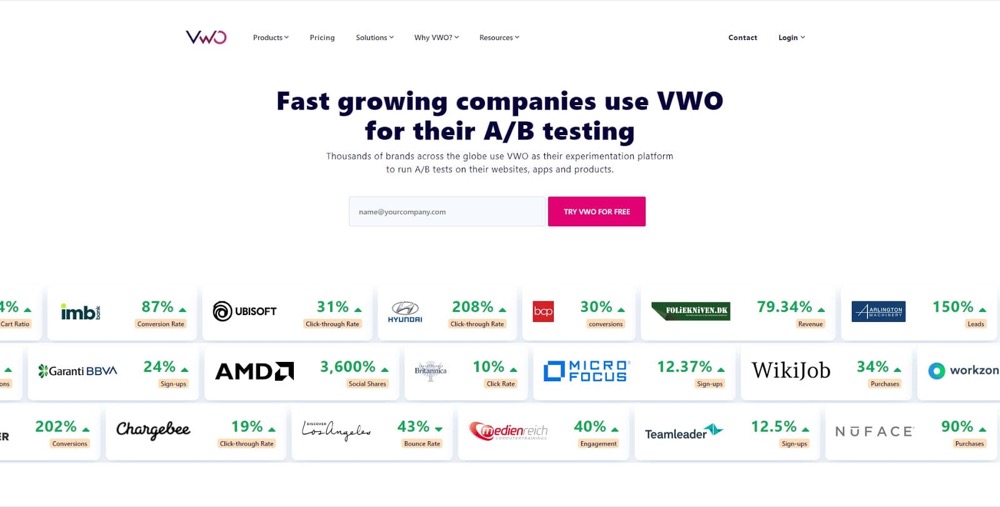
Do they serve Enterprise? Yes. Their enterprise clients include Ubisoft, AMD, Penn Foster, Optimeria, and IMB Bank.
Do they offer Customer support? Yes, you can call them when you need help. Or consult their resource page.
Do they care about Privacy? Yes. They comply with the major privacy laws and regulations but they store some visitor data on their servers.
Do they care about the World? Recently, the chairman of Wingify (the brand behind VWO) Paras Chopra, tweeted their support for a couple of COVID relief initiatives including setting up a 10-bed COVID-care facility in Delhi.
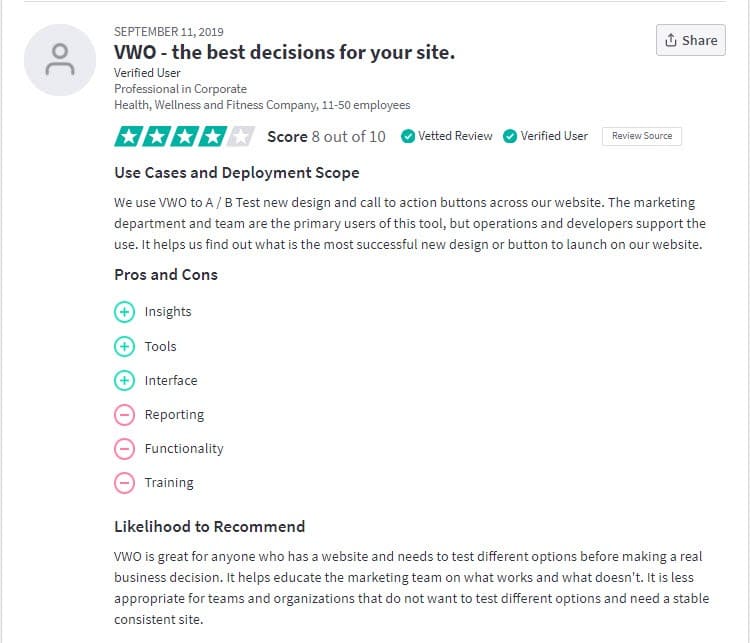
Trust Radius Review:
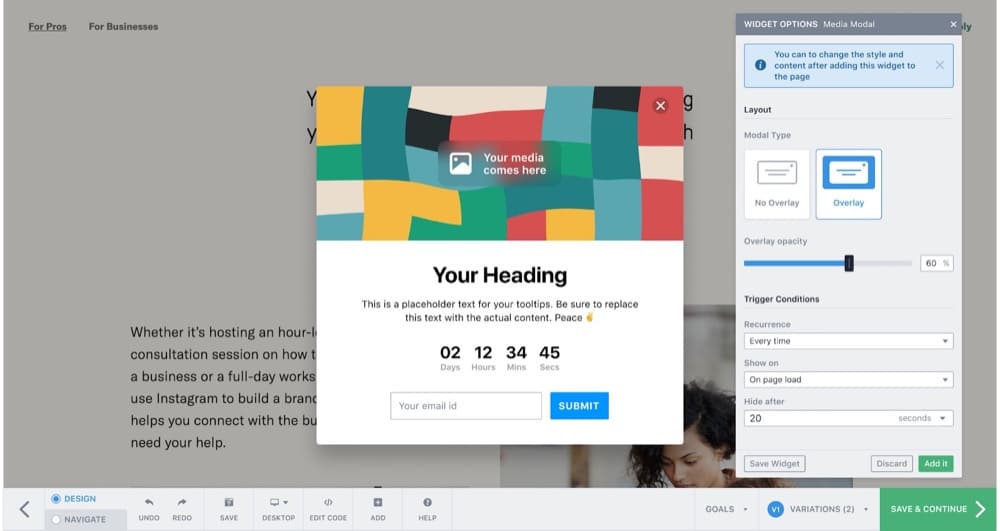
What this split testing tool looks like in action:
#3: Kameleoon
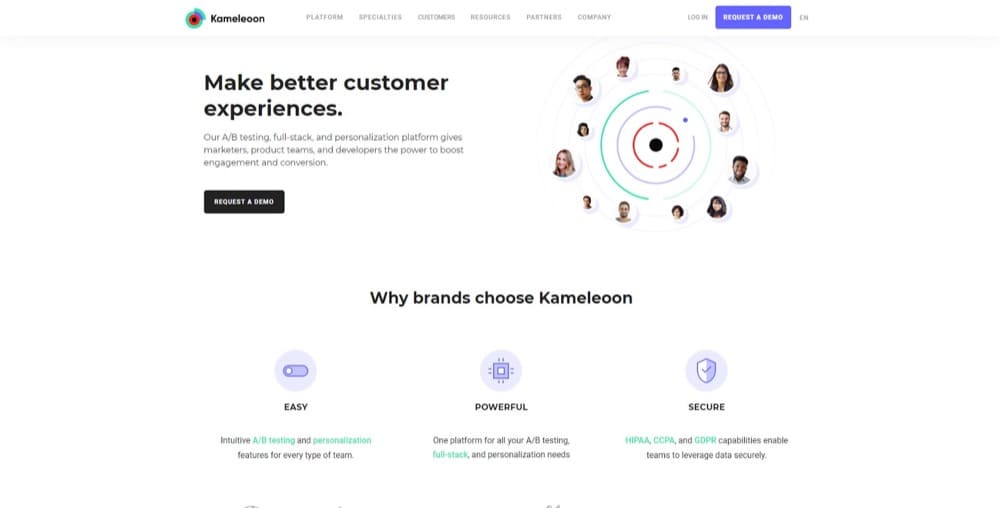
Pros
- Easy to set up click tracking
- Smooth integration with many other tools
- Has an easy-to-use WYSIWYG editor for non-developers
- Advanced anti-flicker technology
- Knowledgeable and helpful support team
- Accurate and detailed planning and execution of tests
Cons
- WYSIWYG editor loads slowly
- The reporting dashboard could use a bit more personalization
- Need developer-level skill to implement some complex scenarios
- Cannot archive tests
- Old browsers like IE7 are excluded from the tests
Client Side, Server Side or Both? Both. You can make edits on the WYSIWYG editor as well as use Kameleoon’s in-built code editor to edit CSS and JS.
Do they serve Enterprise? Yes. Lexus, Unity, Providence, Toyota, and Rakuten use Kameleoon.
Do they offer Customer support? Yes. You can even get a dedicated account manager to assist you with complicated projects.
Do they care about Privacy? They are HIPAA, GDPR and CCPA compliant. They also have a flexible consent management feature to adapt your privacy policy for each A/B test.
Do they care about the World? I couldn’t find evidence of any charity they sponsor or environmental causes they support. Although, it’s interesting to know they have two live chameleons in their Germany and France offices.
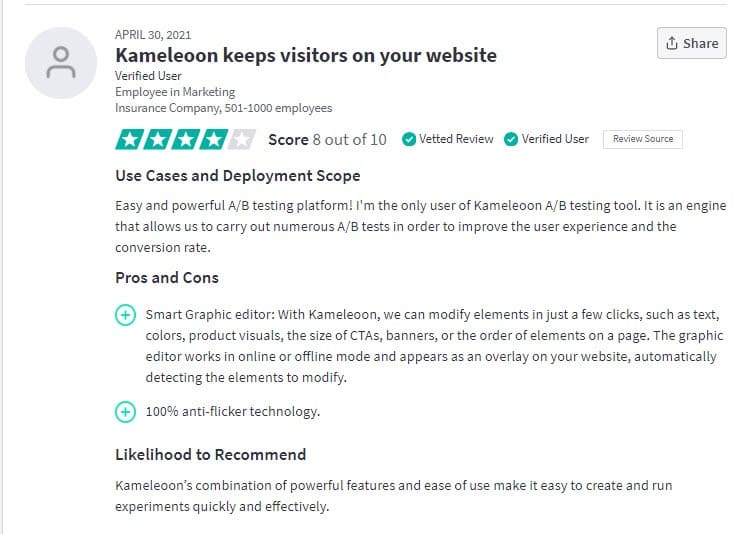
Trust Radius Review:
What this split testing tool looks like in action:
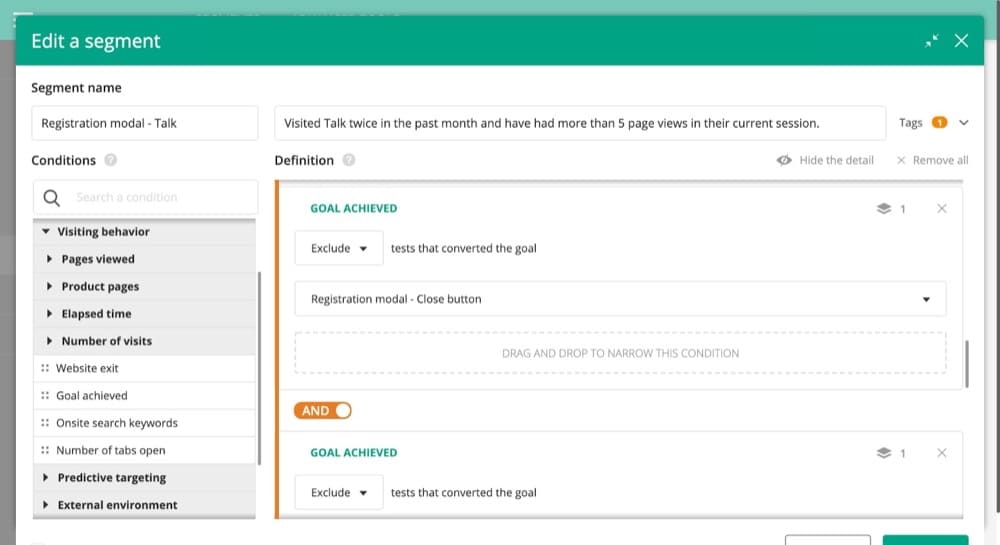
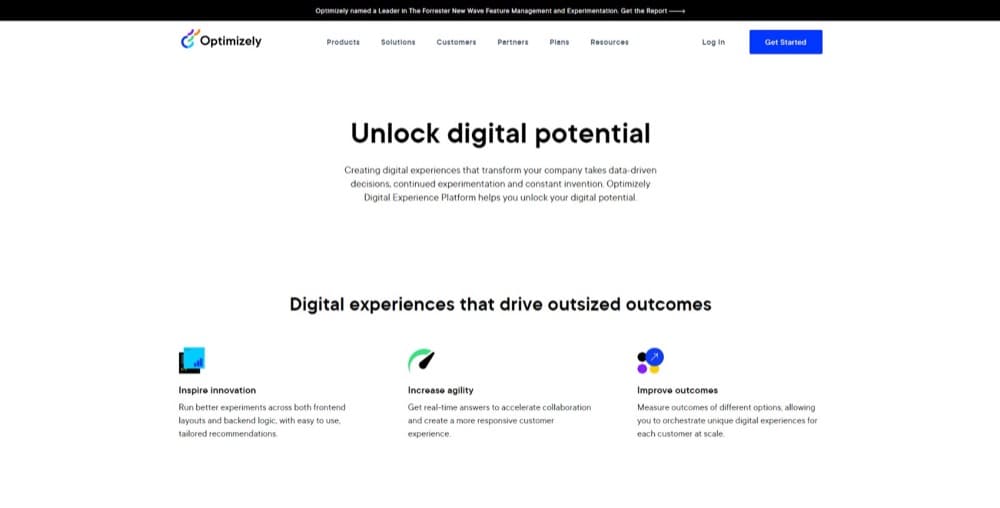
#4: Optimizely
Pros
- Run unlimited experiments
- Clean and easy-to-use interface
- The widget feature is fun to use
- Wide range of targeting options available
- Reliable customer support
Con
- Doesn’t give automatic insights about audience performance (especially for an active experiment)
- Google Analytics integration is complex, requires coding
- Optimizely snippet usually increases page loading time
Client Side, Server Side or Both? Both. Optimizely offers client side experimentation through a Javascript snippet and server side experimentation through developer SDKs.
Do they serve Enterprise? Due to pricing, it mostly caters to an enterprise level. Brands like Microsoft, IBM, HP, eBay, Yamaha, Pizza Hut, and Atlassian use it.
Do they offer Customer support? Yes. They have a bank of resources to help users get unstuck and phone numbers to call for help 24/7.
Do they care about Privacy? They take into consideration old and new privacy laws and integrate that into their products so that you, the user, don’t have to worry about compliance.
Do they care about the World? Most new hires are sent to volunteer in the community on their second day.
Trust Radius Review:
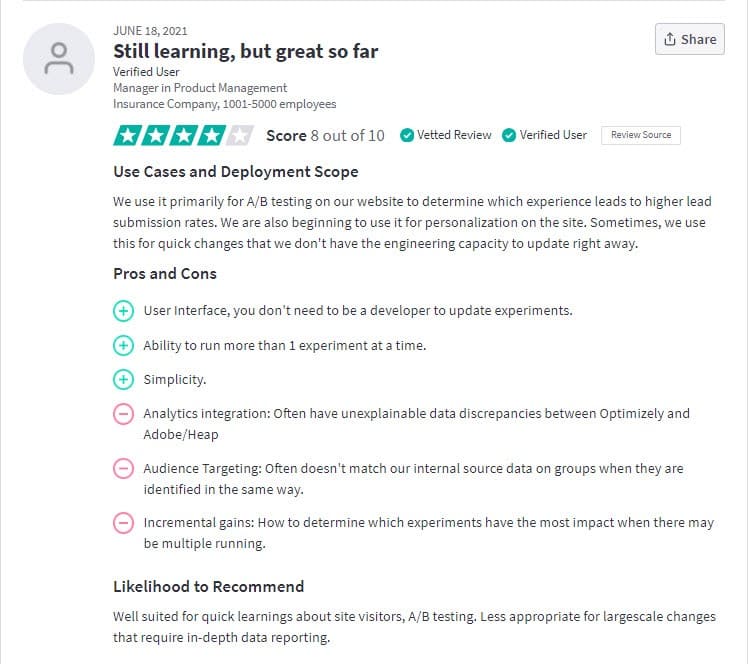
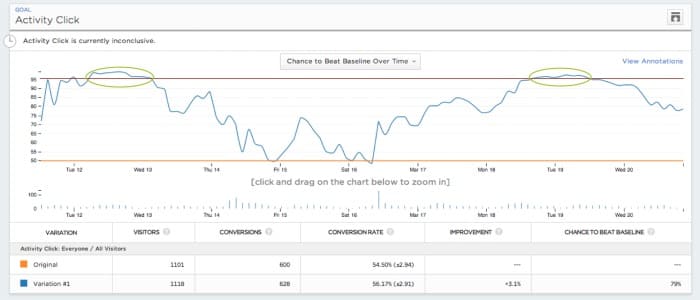
What this split testing tool looks like in action:
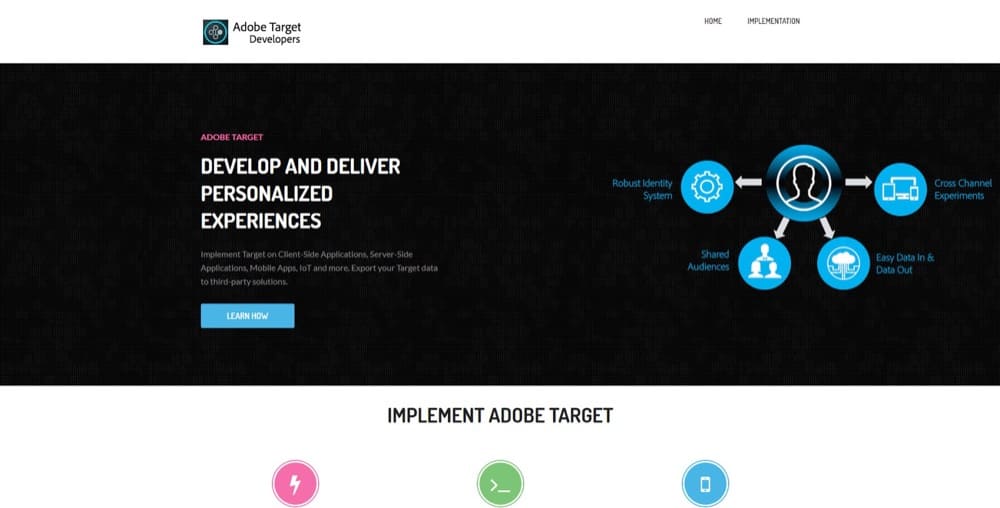
#5: Adobe Target
Pros
- The interface is easy to use
- Provides accurate real-time data reports
- Integrates well with Adobe Analytics and is designed as an upsell offer
- Website personalization tools for both beginners and experts
- Walks you through the setup and testing process
- Has advanced AI to continually test and improve campaigns and personalization
Cons
- Testing on a large scale can be slow
- Requires very high volume of traffic to work best
- The form-based editor requires a learning curve
- High price point
- No trial option
- Works best when already using Adobe Analytics
- Can get great insights when connected to other paid Adobe Marketing Cloud tools
Client Side, Server Side or Both? Both
Do they serve Enterprise? Yes. Almost exclusively due to the cost.
Do they offer Customer support? Yes, in the form of a knowledge base and video training programs.
Do they care about Privacy? Yes, but ironically they require your email and phone number to learn more about this. They are however doing a lot of work in 1st party data for non-intrusive tracking.
Do they care about the World? Very much so. They champion diversity, work towards 100% renewable energy buildings, lowering emissions, running community action programs, and much more.
Trust Radius Review:
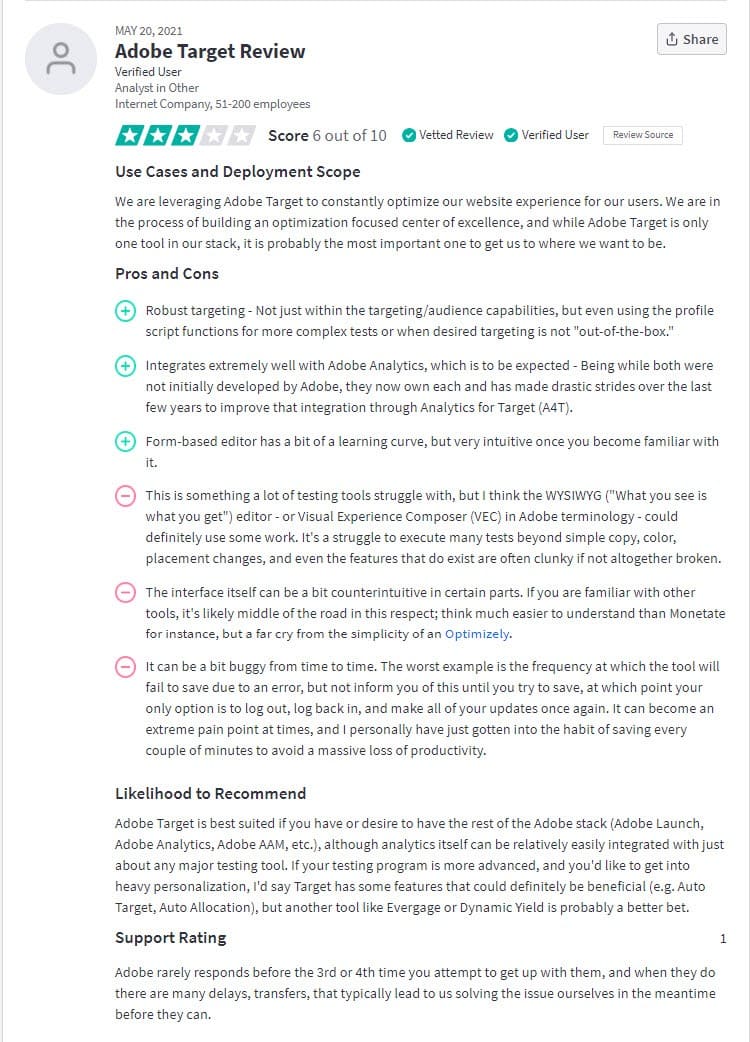
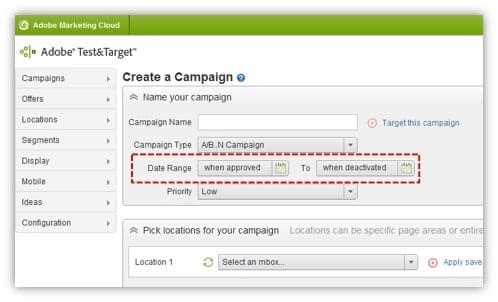
What this split testing tool looks like in action:
#6: SiteSpect
Pros:
- Supports all markup languages (HTML, WML, XML, and JSON), style sheets, and scripting languages
- No javascript tag means no content refresh or flicker
- Versatile enough to test almost any scenario
- Non-intrusive testing
- Integrates with analytics tools
- No need to modify the production version of your code
Cons:
- Technical knowledge required to implement tests
- Adds an extra hop that could slow down your site a bit
- The reporting interface could be better
Client Side, Server Side or Both? Both.
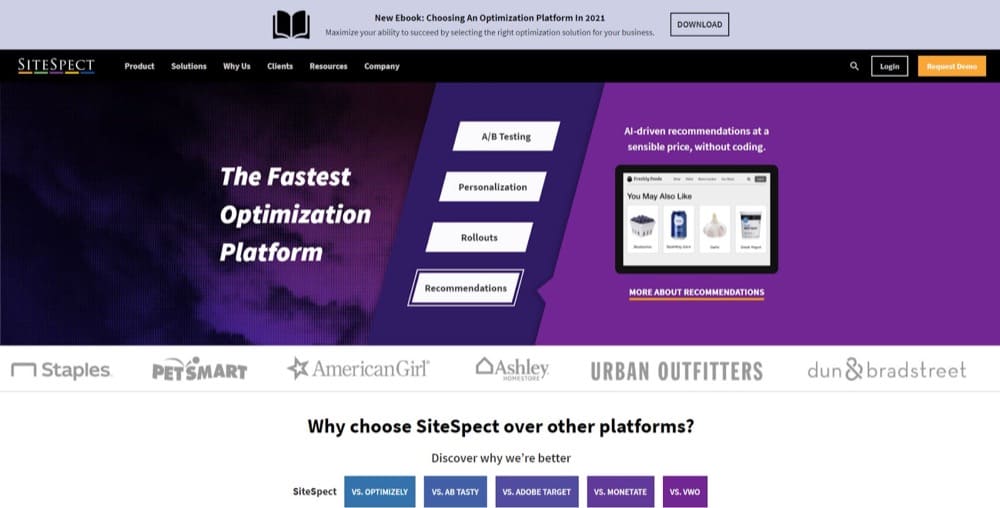
Do they serve Enterprise? Yes. Staples, PetSmart, AmericanGirl, and Urban Outfitters use SiteSpect.
Do they offer Customer support? Customer support is available via phone call and email for free and paid versions. There are also pre-recorded webinars available in their knowledge base.
Do they care about Privacy? They do. They are PCI DSS 3.2 certified; GDPR, CCPA, and privacy shield compliant; and HIPAA ready.
Do they care about the World? SiteSpect is known to sponsor some charity projects since 2014.
Trust Radius Review:
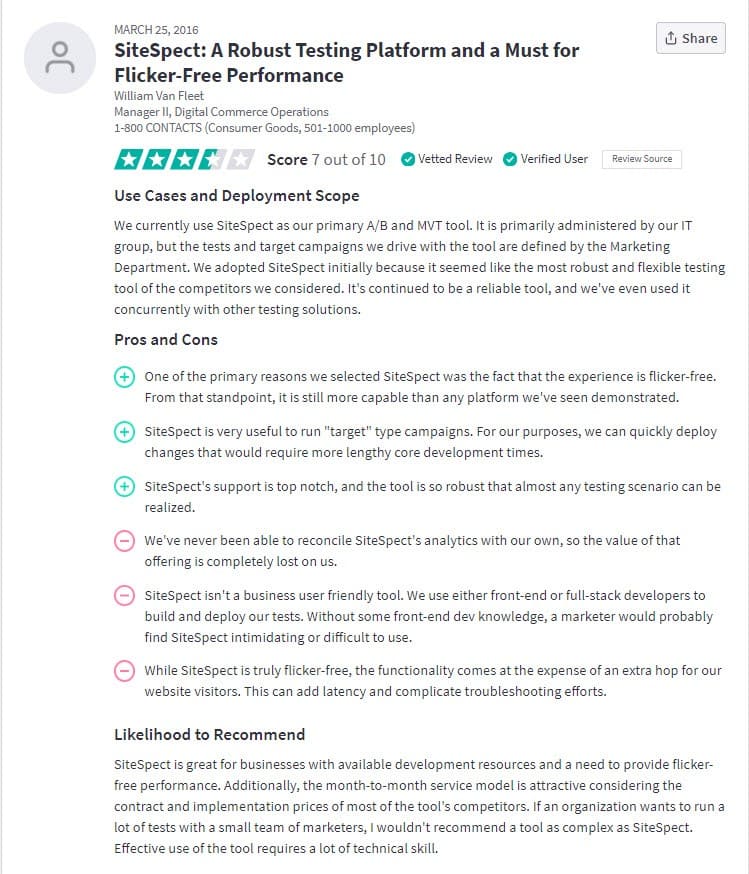
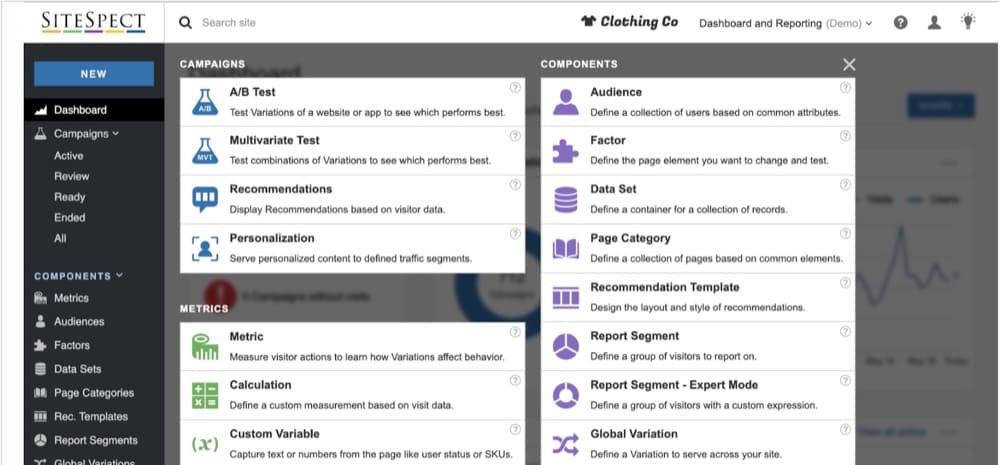
What this split testing tool looks like in action:
#7: Eppo

Eppo is a deep enterprise experimentation platform praised for its source-of-truth metrics, its workflows, and its ability to eliminate bottlenecks to 10x test velocity. It’s a solid choice for any large business looking to scale responsibly.
Best for: Enterprises
Pros:
- Ability to centralize experiments across teams
- A/B testing, split testing, feature flagging, rollouts
- Contextual bandits
- Robust analytics engine that makes even complex tests easy to interpret
- Ability to catch data discrepancies
Cons:
- Steep learning curve and upfront investment during deployment
- Best when you have strong data engineering support
Client-side, server-side or both? Eppo offers web experimentation, product experimentation & lifecycle experimentation
Do they offer customer support? Yes. Eppo’s support is highly-regarded. It is available via email, telephone, Slack, and 1:1 through their white-glove option.
Do they care about privacy? Eppo has a GDPR-friendly architecture and is explicitly stated to be SOC 2 Type II compliant.
Do they care about the world? We couldn’t find any information about Eppo’s charitable drives.
G2 Review:
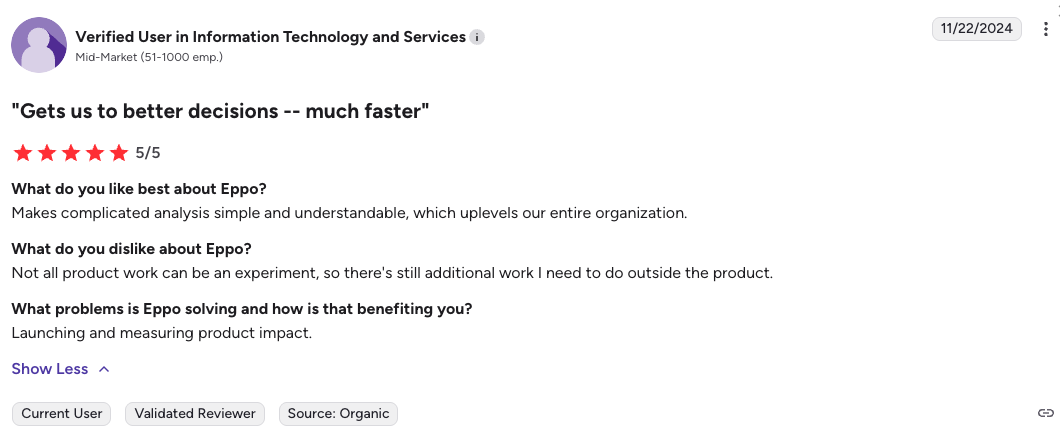
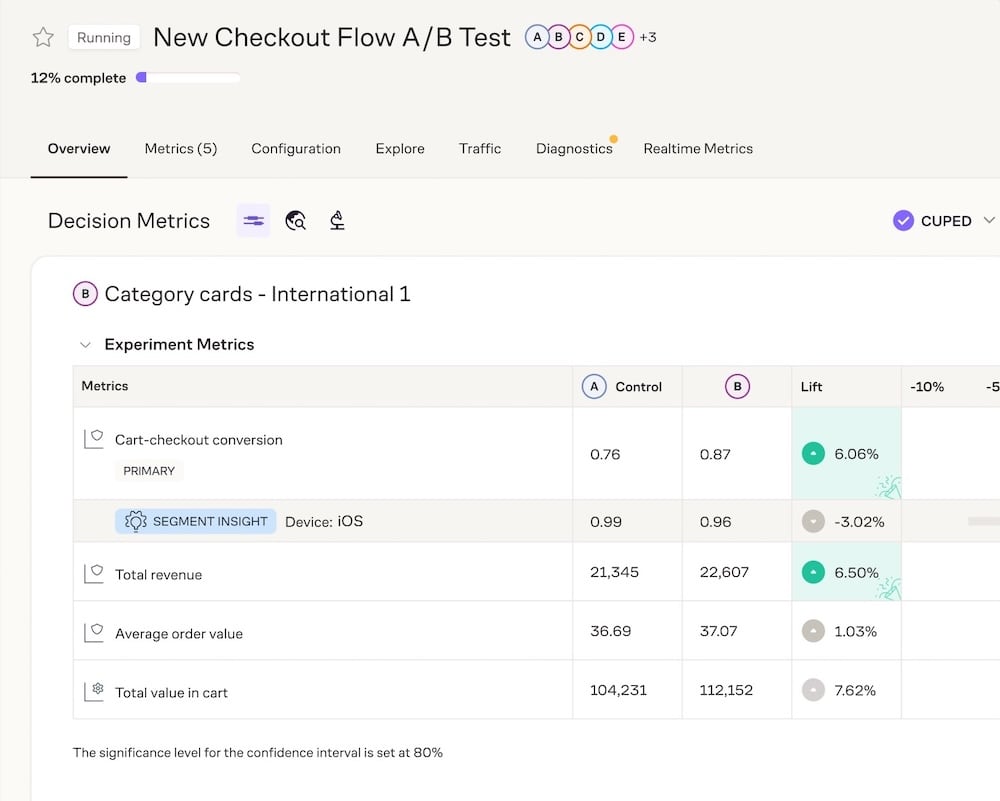
What this split testing tool looks like in action:
#8: Webtrends Optimize
Pros:
- User friendly, suitable for non-technical users with a WYSIWYG editor
- Supports team collaboration
- Gives data-driven insights
- The support team shows genuine interest in your success
- Smooth integration with your website and existing tools
- Clear and straightforward reports
Cons:
- The UI can be difficult to use for new users
- Takes time to set up even simple tests
- The cost of the full service is on the high side
Client Side, Server Side or Both? Both. They have a proxy-less visual editor for client-side rendering and server-side testing capabilities too.
Do they serve Enterprise? Microsoft, London North Eastern Railway, Marks and Spencer, and Virgin Wines use Optimize.
Do they offer Customer support? Yes. You get access to tech support, training, and your own dedicated CRO consultant.
Do they care about Privacy? They are fully GDPR compliant.
Do they care about the World? In April 2021, Webtrends Optimize challenged themselves to 100 Push-ups a day in a GoFundMe event to raise funds for Cancer Research UK. And they did something similar in 2020 called Xmas Charity Donations. So, they care.
Trust Radius Review:
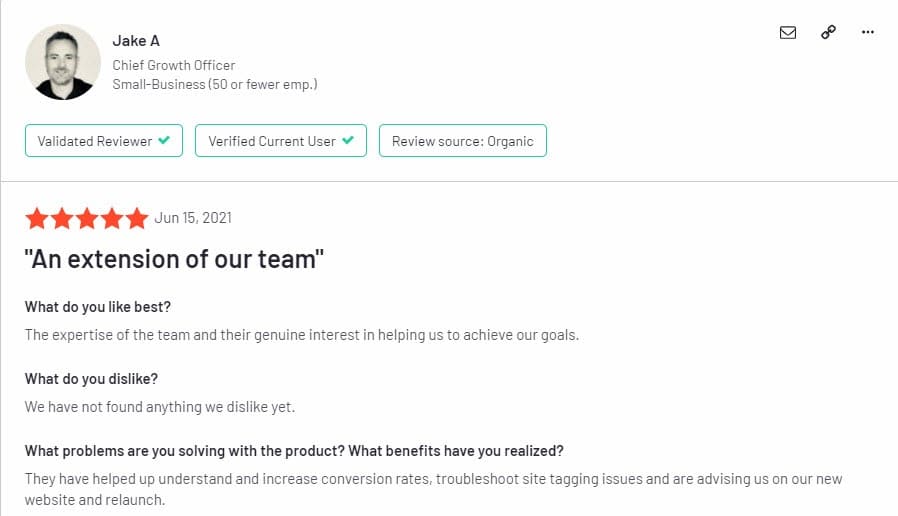
Although there are reviews on Trust Radius for this split testing tool, the latest was December 2019, and before that 2018. Because a tool can change and so can the service, I’ve pulled their latest review from G2.
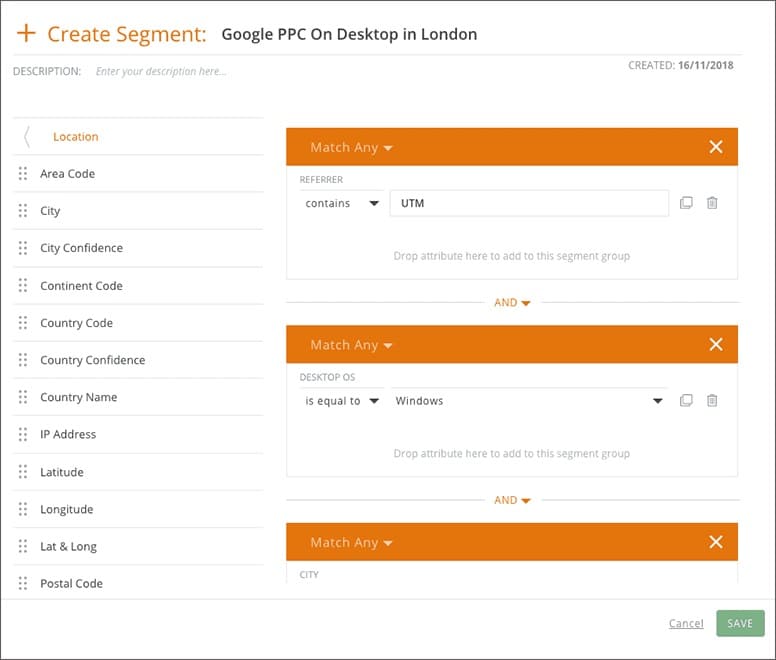
What this split testing tool looks like in action:
How Did We Come Up with This Online Split Testing Tools List?
Although we think our tool is pretty amazing, we didn’t want it to be the only option that you look at.
To come up with these 8 split testing tools, we reached out to a number of experts in the CRO industry to find out the best split testing tools they use and what they would recommend for others. This allowed us to get an unbiased selection that you can use to help choose the right tool for you.
We then took their recommendations and broke down the important details for you:
- How much does each split testing tool cost?
- Does it run free trials?
- What features does the split testing tool have?
- Is it client or server-side?
- What do independent 3rd party users say about the split testing tool?
- Are they privacy conscious?
- Do they care about the world?
Why do we care to include these things? You see, here at Convert, we like to try and do good in the world. In fact, we often turn away potential customers with who we don’t align, especially if their industry is harmful or against our beliefs.
Not only that, but privacy is another large issue for us. We want to make sure that we protect our users and their data.
With that in mind, we added those factors into the results. If doing good is important to you, then maybe that can help you make a decision.
What The Experts Say About These Top Split Testing Tools (And Which They Use)
We recently wrote an article on the top 22 CRO experts to follow on Linkedin. These are the people consistently providing amazing insights and ideas around A/B testing & multivariate testing tools, and more. We figured who better to reach out to and get recommendations from.
Now, I’ve added Ben first because I 100% agree with him.
“My tool recommendations would be based on the maturity level of testing inside the company. (We have a great audit that helps determine this and benchmark programs against 100s of others).
E.g. just getting started or low velocity?
Use Convert Experiences.
After that I’d say most mid-high mature programs would utilize the class of tools like Kameleoon, VWO, and Optimizely are all roughly the same.
Then there is a jump to platform/product focused tools like SiteSpect/Split… before going down the route of building their own tool.
Outside of this there are tools like Intellimize and Evolv that do some fun ML stuff… but this is less ‘test-and-learn’ focused and more ‘optimization’ focused. We use them all above… some more than others. They are just tools. We focus on the service of using them and can make them work.
Most of the time we see companies trying to run too fast with tools and not putting time into their own companies’ rituals and artifacts and programs….the foundation of HOW to use the tools and get results from the program.
We usually recommend sticking with Convert type tools for a LONG time, until there is a really good program foundation and experimentation buy-in from the top down.”
I also reached out to a couple of agencies to see what they had to recommend.
Here’s what Jon Crowder of Another Web is Possible prefers to use:
My Top 5 Split Testing Tools are Optimizely, VWO, Webtrends Optimize, Convert Experiences, and SiteSpect.
What tool am I using?
All of the above.
Why?
Because we use whichever tool is most appropriate to our client and their infrastructure. If they’re using progressive JavaScript frameworks like React or Angular, then some tools are more suitable than others for working within those boundaries. We adapt and move between tools so that our clients get the best possible experience.
Workato’s Alex Birkett recommends these 5 expert split testing tools:
Convert Experiences, VWO, Google Optimize, Conductrics, and AB Tasty, but it really depends on the context of the company in question.
Some won’t have use for the advanced reinforcement learning and personalization offered by Conductics, and some just need a simple free setup via Google Optimize
I’d say Convert is my favorite split testing tool in most contexts because it balances power and ease of use and is comparatively affordable.
At Workato, I’m using Google Optimize. We’re considering other split testing tools, but for the volume and complexity of our tests, Google Optimize is able to service our needs. It’s simple, free to use, and we can integrate directly with Google Analytics with no engineering resources. However, as we look towards more sophisticated integrations and personalization capabilities, we’ll be considering other tools.
Sam Renfrew of Journey Further recommends different split testing software to different clients:
We’re currently using a mix of pretty much all the split testing tools on the market – we recommend tools to our clients based on their traffic and budgets, but ultimately it’s up to them what they go with. (…)
SiteSpect
I’ve used this previously in other roles and found it to be one of the best tools out there, simply because it’s truly a server-side experience. There’s little need to write complex javascript, as you’re able to change the actual html contents before its delivered to the user
WebTrends Optimize
We’re really enjoying the tools provided by WebTrends Optimize to help us build out tests on a wide range of clients, as it gives us a huge amount of freedom with how the platform is loaded and performs. Very developer-friendly!
We’ve used Convert.com a lot over the past 2 years, as the flexible volume levels have allowed us to spin up new client projects in no time. A solid visual editor also doesn’t hurt, but they’ve also built some great code-only benefits too.
VWO
VWO have one of the easiest visual editors to use, so whilst this may not benefit me as a developer, it’s certainly a help when the rest of our team can build out tests in no time
Google Optimize
This one may be a curveball, because the 5-test limit on the free tier really doesn’t allow for a lot of testing, but I believe that everyone should have this at the very least to run even the most basic of experimentation programs.
Conclusion
So there you have it: the top split testing tools recommended by expert CROs and agencies actively using them.
Each split testing tool has its strengths and weaknesses, as well as some unique features. The pricing can also vary depending on this and how they break down your usage.
So which should you use?
As a rule of thumb, you want the best tool for your situation:
- If you’re just starting, then Google Optimize is one of the best free A/B testing tools, until you get limited by features.
- After that, you can upgrade to an A/B testing platform like Convert Experiences (that’s us) where you can then do more sophisticated tests and at a great price point, with amazing support.
- Then, once you’re program matures to a very high level, you might want to start looking at either ML or AI testing programs, or simply ones that interface best with any high-end analytics platform that you migrate to i.e Adobe Target but only if you’re currently using their Adobe Analytics.
Written By
Daniel Daines Hutt
Edited By
Carmen Apostu