From activation to acquisition to expansion, each valuable lever you pull can be made better with experimentation. Convert Experiences is the platform for you.

Tom Cowell • 2°
DTC/E-commerce Strategy For Brands | DTCMODE Ne...
16h • 🌎
They use Hotjar | by ContentSquare to analyze customer movements on their site.
Shogun to easely build new landing pages which they split test.
And Convert.com to personalize and split test content based on customer data and habits.
27
5 comments
Easily integrate with
Intuitive UI, All-in-One Plans
Plain-language reporting for quick comprehension and the desire to test more.
Integrations with GA4, Microsoft Power BI, and 90+ other platforms for greater insights.
Transparent, flat-rate, all-in-one plans for no nasty surprises.
Always-On Success Team
4x faster responses* so you spend less time waiting.
Real human support for individualized, unscripted help.
Free onboarding on most plans to eliminate the post-purchase slump.
*Compared to other SaaS platforms across categories and verticals.
Advanced Features, Simplified
Multi-armed bandits to drive better results from seasonal campaigns.
Convert Signals to identify user interactions with friction.
Live Duration Insights® tell you when your goals may hit significance and the traffic required to achieve it. Plan your next steps with confidence.
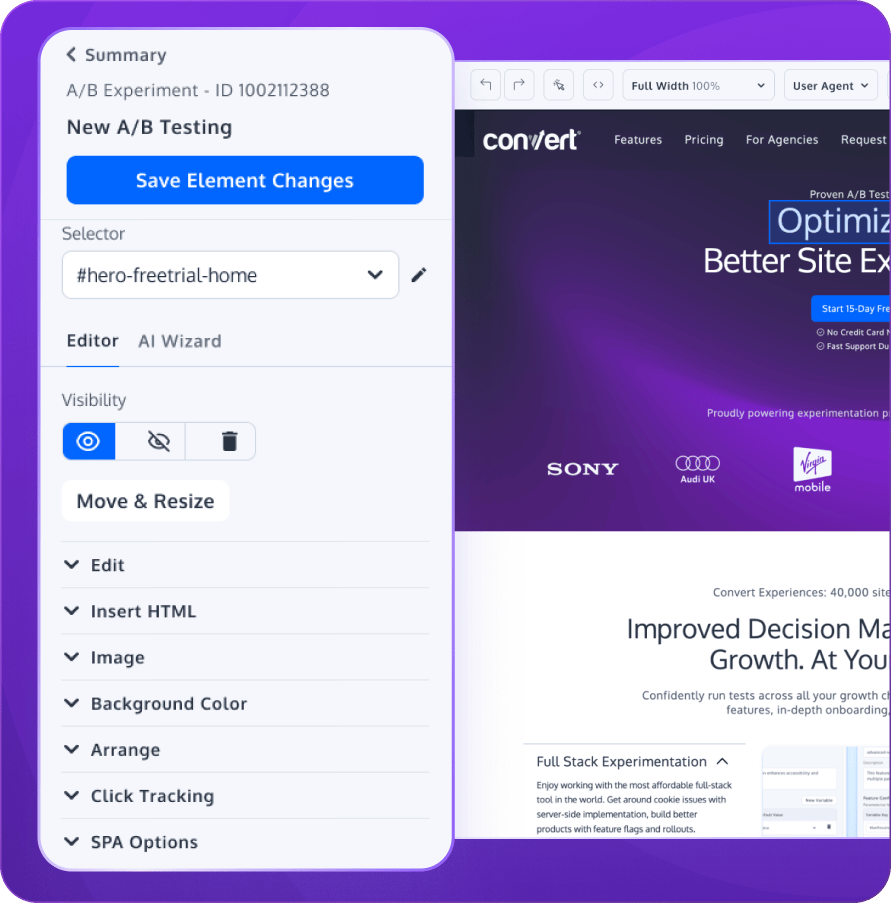
Design, launch, and analyze tests without relying on developers.
Choose the right elements even if you aren’t fluent in code. A simple way to test changes and see what works.
Launch new tests today with pre-filled templates. Just pick your audience targeting and conversion goals.
No devs in-house to help you? No problem. Make changes to your website by pushing them live as Deploys. Turn test winners into personalizations for segments that responded the most favorably.
All the tools and insights you need to improve conversion rates and optimize marketing campaigns.
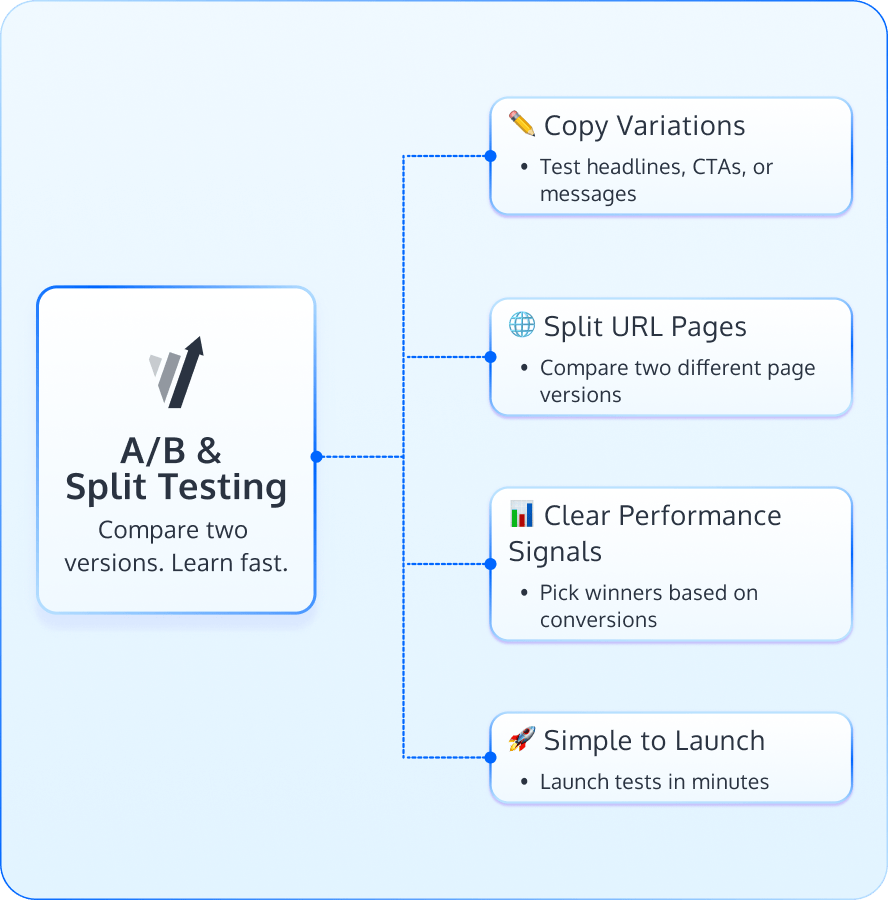
Test copy variations with A/B testing or two versions of a web page using split URL testing.
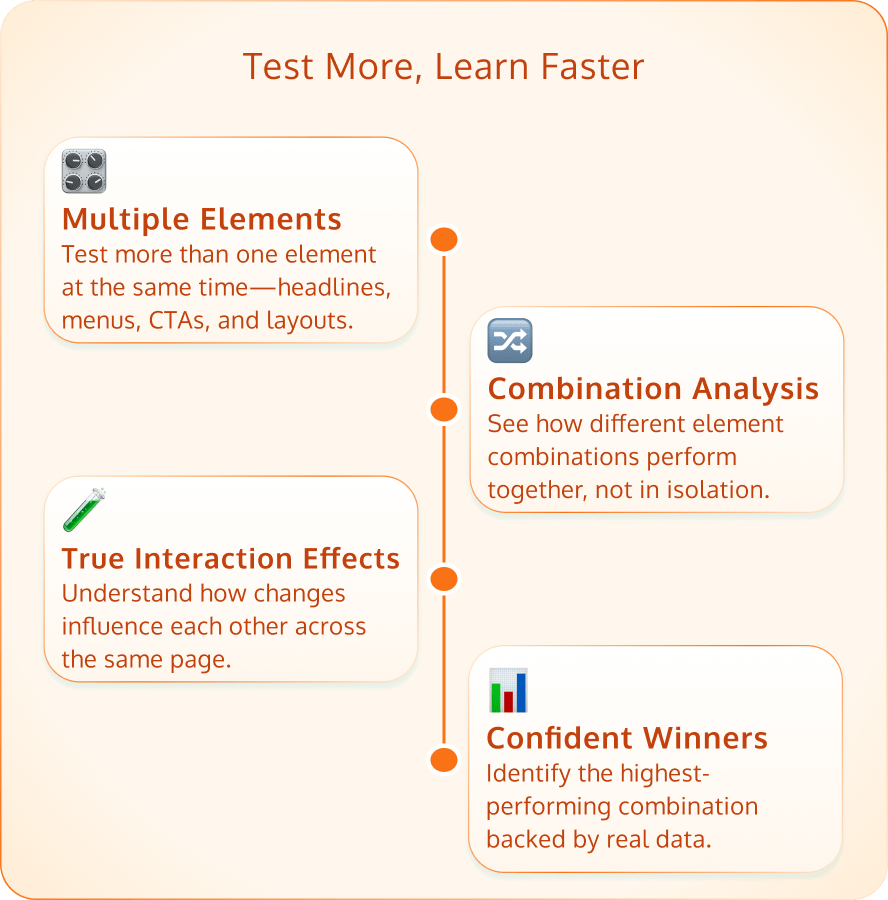
Analyze changes to more than one element—like menu location and headline copy, together —using multivariate testing.
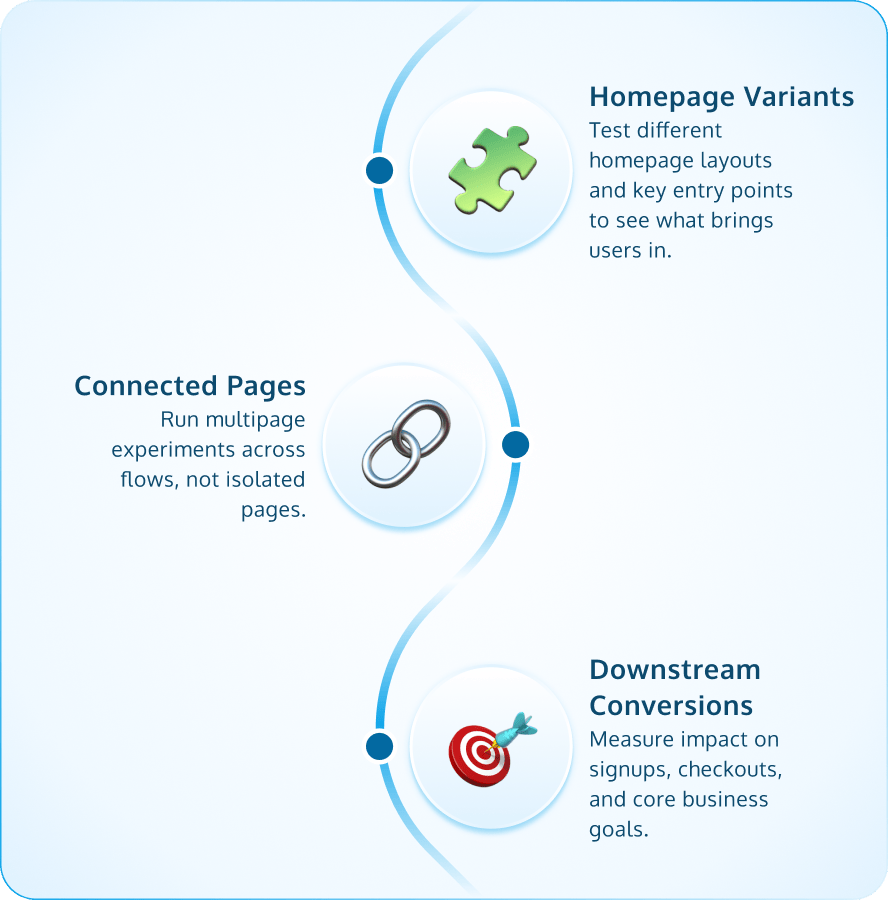
Compare two website designs that extend throughout your entire site using multipage testing.
Upload your .csv file and enable ABM campaigns, email campaigns, as well as other forms of outreach where each landing page is automatically personalized to your target accounts or individual recipients.
Learn MoreRequires Dev Assistance
Connect your online and offline efforts to run tests and personalizations across every step of the buyer’s journey -- from your website to PoS to apps.
Learn MoreVisual Dashboards for Fast Insights
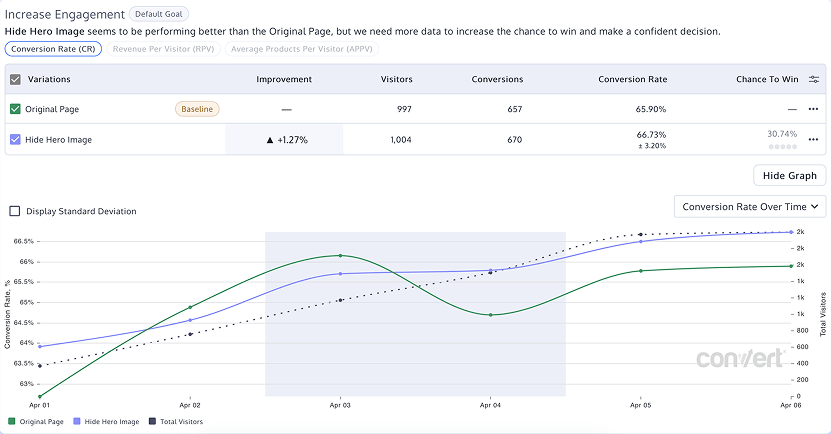
Quickly see whether conversions, revenue, and products per visitor increased or decreased with simple line graphs.
Post Segmentation
Analyze experiment reports based on segments like browsers and devices for deeper insights.
Exportable, Shareable Results
Share reports efficiently by downloading ready-to-present PDFs.
90+ integrations.
Ability to trigger tests based on data present in any 3rd party platform.
FAQ
To set up your first A/B test in Convert, click the “New Experience” button on the Projects page. From there, name your test, select the test type, and insert the URL you want to test. Then, create a variation of the page and activate it to start collecting data.
Convert offers guided walkthroughs and tutorials to help you launch your first A/B test with confidence. The support team is also available if you run into any questions.
Convert’s support team is quick, helpful, and ready to explain your results. With a median first response time of just seven minutes (four times faster than industry standards), you’ll spend more time testing and less time waiting.
To share your Convert results, export your report as a PDF, CSV, or aggregated raw data according to your plan. You can also invite other team members to your project and give them access to view the data and collaborate within Convert.
Not at all. Anyone, including marketers with a non-technical background, can use the platform to get started.
Convert’s intuitive interface, clear reports, and simplified dashboards help users of all levels test, learn, and iterate without barriers.
Convert integrates with more than 90 third-party tools to help you turn digits into insights. Popular integrations include Google Analytics 4, HubSpot, Shopify, Power BI, and Typeform.
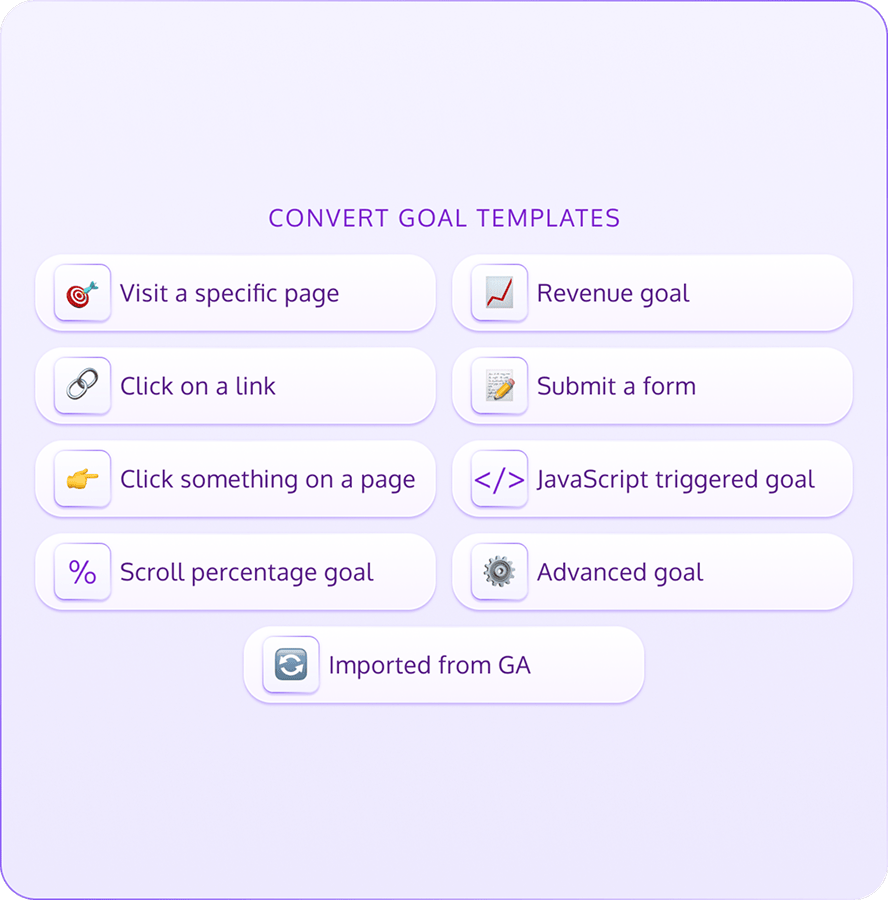
Convert lets you track specific visitor actions, such as purchases, sign-ups, link clicks, and scroll depth, as goals or conversions. These are the main behaviors you want to measure during your experiment.
By default, Convert only tracks one conversion per unique visitor per goal to keep your data clean and consistent.
Convert offers a free onboarding program in its Pro & Enterprise plans to help non-technical teams get comfortable with the tool and learn how to run successful experiments. This includes setting up your first project, enabling needed integrations, and drafting and running an A/A test.

After onboarding, you’ll have access to the Convert support team for any questions you run into. Convert also has a database of more than 400 support articles to guide you through various parts of the testing process.

Convert offers three flat-rate, all-in-one plans based on your testing cadence and customization needs.
Convert offers continuous sample ratio mismatch (SRM) monitoring and alerts. You can enable the automatic SRM checker within Convert Experiences under Configuration > More Settings.

You can also use Convert’s A/B testing calculator to spot SRM early or run diagnostics.
Covert lets you track nearly any goal you care about, including revenue, link clicks, form submissions, social media interactions, order rates, or scroll depth. You can attach up to 50 goals to one experience to get a complete picture of what’s working.
Convert’s AI Wizard within the Visual Editor can generate copy variations for your variant pages based on persuasion principles and copy frameworks. This is a quick way for marketers to generate ideas and clarify site content.