Think It, Do It, Love Your Job!

Convert Experiences is built for developers. Easy to install, doesn’t flicker, has 5 code editors, advanced support that speaks your language, and all the troubleshooting and QA features you could possibly need.

Tom Cowell

Tuseeq B.

Shopify Developer

Small-Business (50 or fewer emp.)

As of a developer's point of view: Loved it!

G2 Review
What do you like best about Convert Experiences?

I loved the flexibility they provide while creating complex experiences like the experiences life cycle events. The new editor is feature-rich, easy to use, and boosts productivity. And the support is awesome!

Convert Code editor

Integrates & Works with Your Entire Stack:

GA4
GTM
Hotjar
Cursor
Claude Code

Roll Up Your Sleeves & Get Coding!

Convert Experiences had a vision -- to be like a box of Legos. 15 years & 40,000 sites later, developers say we succeeded.

Anti-Flicker Technology

  • Our lightweight snippet has a built-in anti-flicker shield.

  • Prevents visual disruptions that impact UX and skew test results, reducing your debugging time.

  • No flicker doesn’t mean we compromise page load speed and performance. See how Convert keeps the balance. 

Version Control

  • No 3:00 AM in the morning pings because unvetted tracking snippet changes have broken experiments!

  • Our version control widget allows you to manually accept changes to the tracking script before they are implemented. Higher plans even allow you to schedule updates.

API-First Architecture

  • Full-coverage REST API lets you create, update, and report on experiments, goals, and collaborators — from a script or CLI.

  • Programmatic control means you can version, QA, and roll back tests entirely inside your own tooling and workflows.

  • CI/CD-friendly: Call the API (or the Full-Stack JS SDK for runtime evaluation) in your pipeline to roll out changes with fewer manual steps and lower risk.

MCP Server for Prompt-Based Test Development

  • Turn your favorite AI tool into your Convert co-pilot (One you’ll actually use!)

  • Automate experiment management with natural language. Your AI assistant can create, update, or pause experiments, adjust traffic splits, or inspect targeting rules from your editor or chat environment to reduce manual coding overhead by 60%.

  • Use AI safely with least-privilege access and local-only credentials.

  • Maintain line-by-line code visibility, because AI can never replace your reasoning & judgment.

5 Flexible Code Editors

  • Global Experience CSS editor.

  • Variation CSS editor.

  • Variation JS editor — Lets you insert custom Javascript that applies per variation.

  • Global Experience JS editor — Works the same as the Variation JS editor, but the inserted Javascript applies across all the variations.

  • Global Project Javascript editor.

Suite of Debugging Tools

  • Debug and test your experiments faster with our Chrome Debugger extension.

  • The first round of QA-ing always sits with you. Our comprehensive QA overlay makes it easy to ensure all the nuts and bolts are working as expected before handing the tests over to the CROs!

Catch Errors Before They Make it Live!

Tools and support that speak your language.

Advanced Debugging Console

Chrome extension to inspect and QA tests live in browser. No guesswork, no console gymnastics.

Explore Features
Advanced Debugging Console
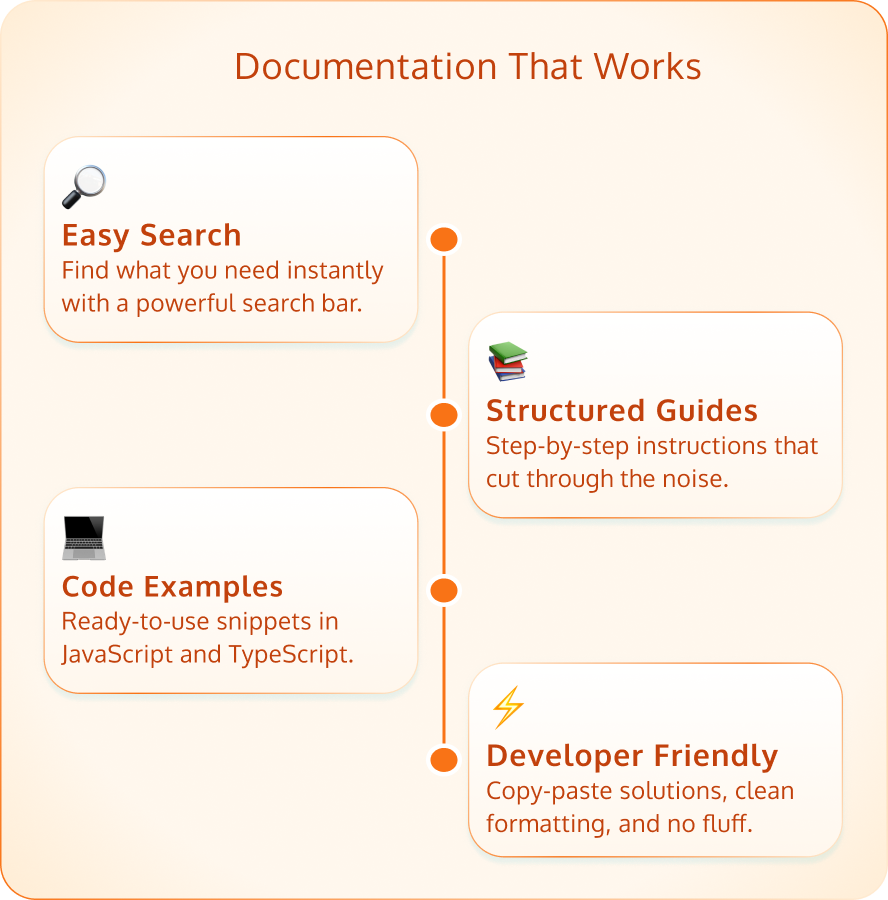
Comprehensive, Searchable Docs

Comprehensive, Searchable Docs

Clean, code-focused, and genuinely useful help docs, complete with examples in JavaScript and TypeScript.

Explore Features

Support That Understands Developer Speak

Your ticket won’t be “escalated to engineering” — you're already talking to them. Convert’s expert support team responds within minutes, not hours or days.

See All Features
Jacob Solis, our Customer Technical Support expert leveraging a 360° analytical approach to ensure success.

Jacob Solis, our Customer Technical Support expert leveraging a 360° analytical approach to ensure success.

Trusted by Technical Teams

Blockquote Icon

Go as Deep & Technical as You Like

The depth and capabilities of Convert Experiences for experimentation just blew me away. Convert knows that one size does _not_ fit all, and have provided so many places to inject a script at runtime to be able to decide when and how to run an experiment. This is so huge for me because the app I experiment on is written with wildly changing view layers. The specific feature I'm describing is called 'JS Conditions' or DMP Profiling.

I've used Adobe, Optimizely, Google experiments, etc. and none of them really let you get your hands dirty with the code like this tool.

Ken Hanson
Ken Hanson

Adapts to Complex Experimentation Demands

Work faster, test smarter.

QA Overlay & Preview Tools

Instantly preview variations in context with URL targeting and device-specific views.

Custom ID Integration

Track real users across logins and devices, even in headless or custom setups.

Integrated Support For Multi-Page & Dynamic Content

Seamlessly run tests across multi-page content, SPAs, and dynamically-rendered pages.

Third-Party Data Source Integration

Trigger experiments based on data that is locked in third party platforms — like your CDP or your marketing automation tool.

Multi-Level JavaScript Integration

Inject logic at the global, experiment, or variation level. No hacks required.

Robust API Access

Manage tests, audiences, and reports via a REST API built for devs.

FAQ

Frequently Asked Questions

Is it possible to do prompt-driven experimentation with Convert Experiences?

Yes. If by prompt-driven experimentation you mean keeping the human in the loop and taking over tedious coding tasks that add 60% of overhead to the work of developers. 

Our powerful MCP server is used by the most experienced experimentation agencies on the planet to set up granular, impactful reporting and to build experiment variations, with tools you already trust — like Claude Code and Cursor. 

If you want AI to do it all – from start to finish, and use the output as production-ready variants, instead of prototypes – no. We do not encourage vibe experimentation.

How do I implement the Convert snippet on my website?

To implement Convert, place the lightweight snippet in your site’s <head>.

It includes built-in anti-flicker protection and supports asynchronous deployment. For advanced use cases, Convert offers server-side SDKs and framework-specific guidance for React, Vue, and SPAs.

Can I run tests across multiple subdomains?

Yes, Convert supports testing across multiple subdomains of the same root domain. Audience data, goals, and experiences remain consistent using first-party cookies shared across subdomains.

Does Convert support SPAs or Vue/React setups?

Yes, Convert works with SPAs and modern frameworks like Vue and React.

Are there discrepancies between numbers in analytics tools & Convert Experiences? How can we resolve them?

Yes, discrepancies can occur due to differences in how tools define and trigger conversions. Convert provides detailed explanations and offers guidance for aligning GA4 and platform-specific tracking logic.

How does Convert work with third-party apps?

Convert integrates with over 90 third-party apps, including GA4, Segment, and HubSpot. Also exposes JavaScript hooks that let you forward Convert events to any other platform you use.

What is Convert’s impact on site speed?

Convert has minimal impact on site performance. The snippet is about 60 kB transferred over network, loads synchronously by default for a seamless experience with no flicker, and supports asynchronous loading with a small anti-flicker snippet for even faster performance.

What are the different debugging tools Convert has to offer?

Convert offers a Chrome Debugger extension, real-time variation previews, console logging, and in-app diagnostics. These tools help identify issues with targeting, code, or experiment configuration.

Can Convert be implemented on headless stores?

Yes. Convert’s Full-Stack JavaScript SDK is framework-agnostic and API-backed, so you can evaluate experiments server-side (or at the edge) in any headless or Jamstack stack—Hydrogen-powered Shopify included. Instantiate the SDK before rendering, pass your own customer/session IDs, and you’ll get accurate attribution with zero flicker and full SSR compatibility.

Let Your Favorite LLM Summarize this Page:

Start your 15-day free trial now.
  • No credit card needed
  • Access to premium features
You can always change your preferences later.
You're Almost Done.
What Job(s) Do You Do at Work? * (Choose Up to 2 Options):
Convert is committed to protecting your privacy.

Important. Please Read.

  • Check your inbox for the password to Convert’s trial account.
  • Log in using the link provided in that email.

This sign up flow is built for maximum security. You’re worth it!